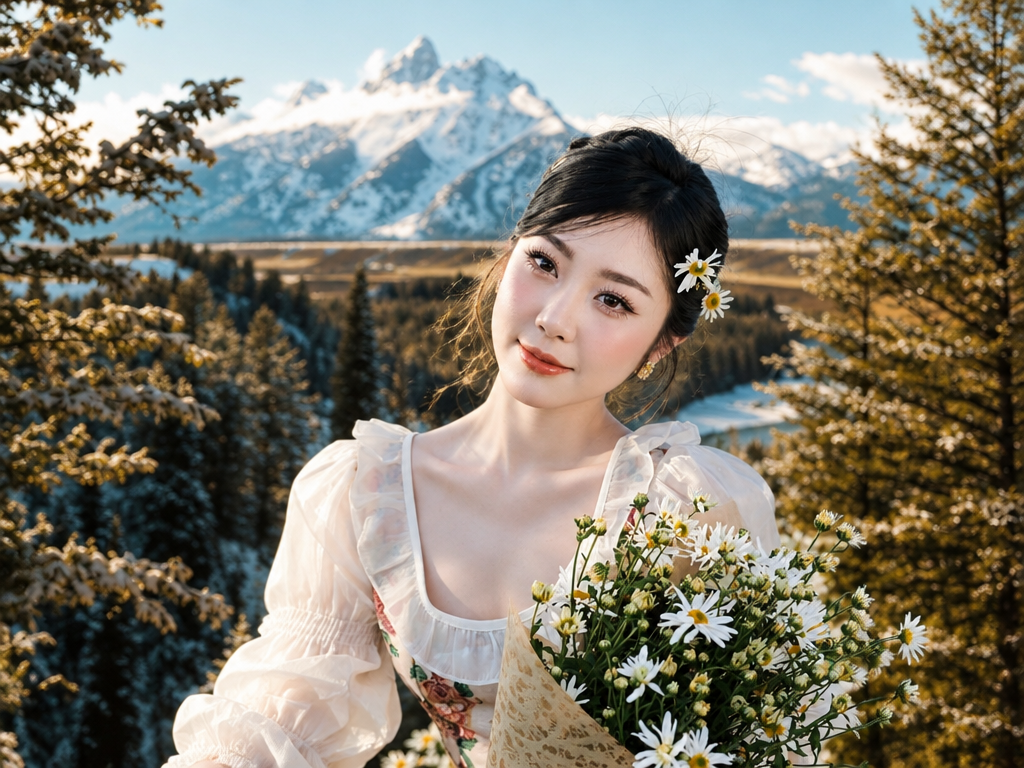
 Example result
AI Image Combiner
Bring people, places, and ideas from separate photos into one composition.
AI Image Combiner
Bring a person into a landscape with matching light.
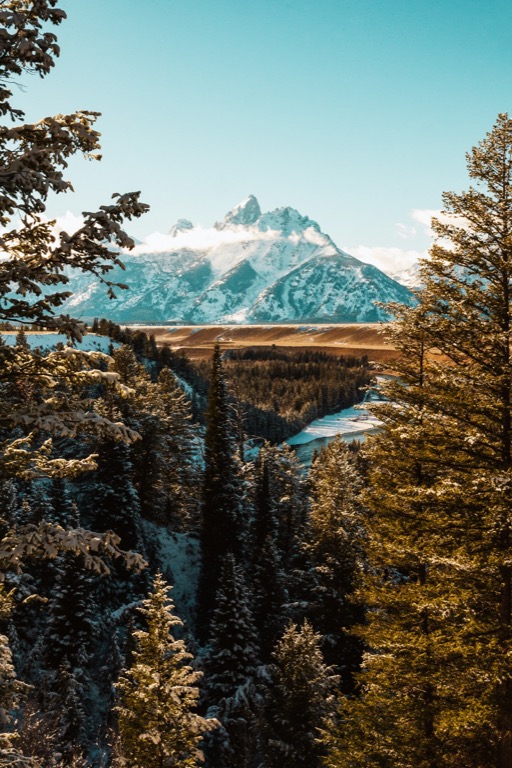
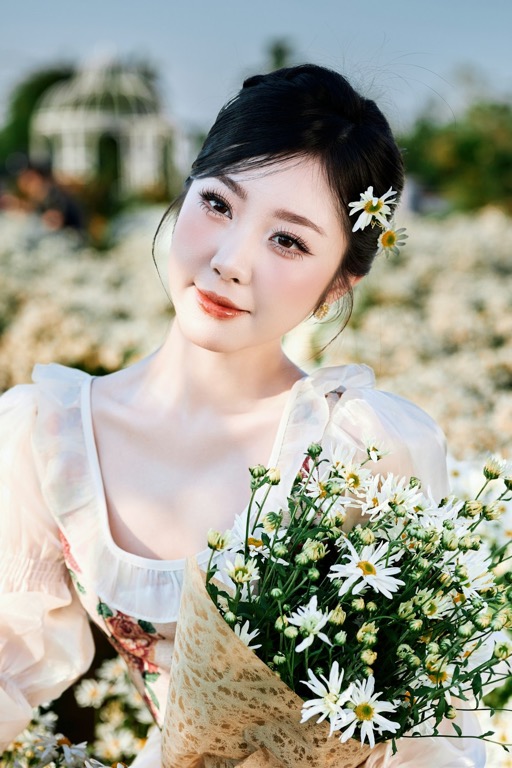
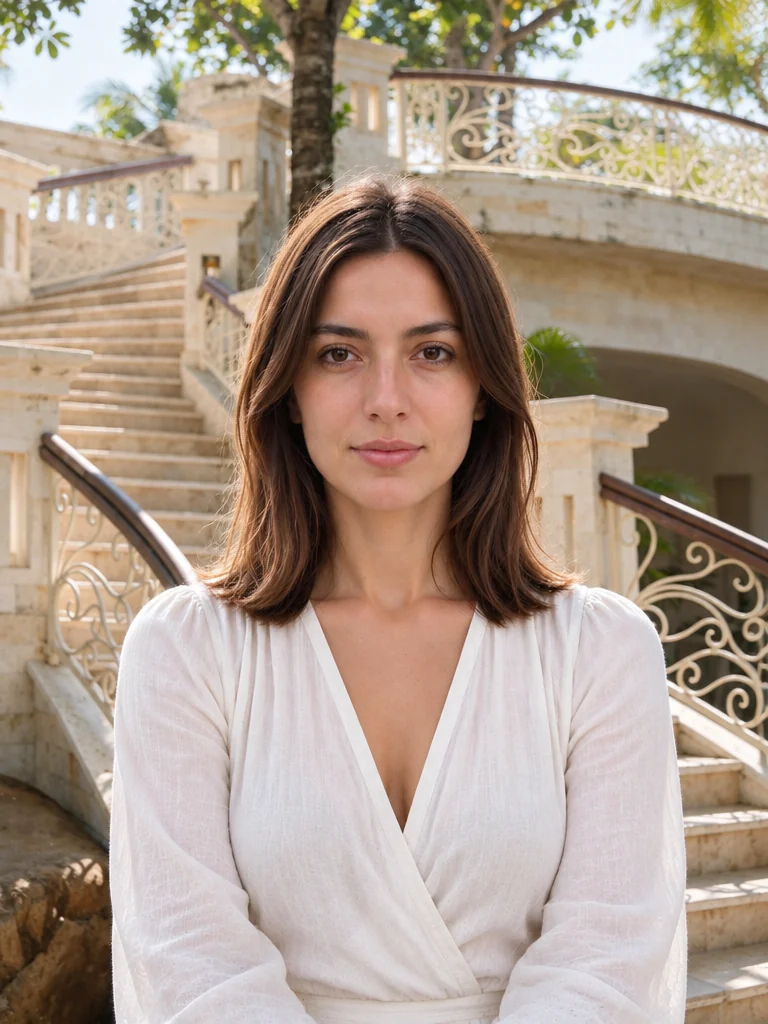
Discover a direction
Back to combine images A little inspiration to get started.
Example result02 / Compose
Your photo + an outfit + a setting
Combine your appearance with a clothing reference and a background description.
Use this preset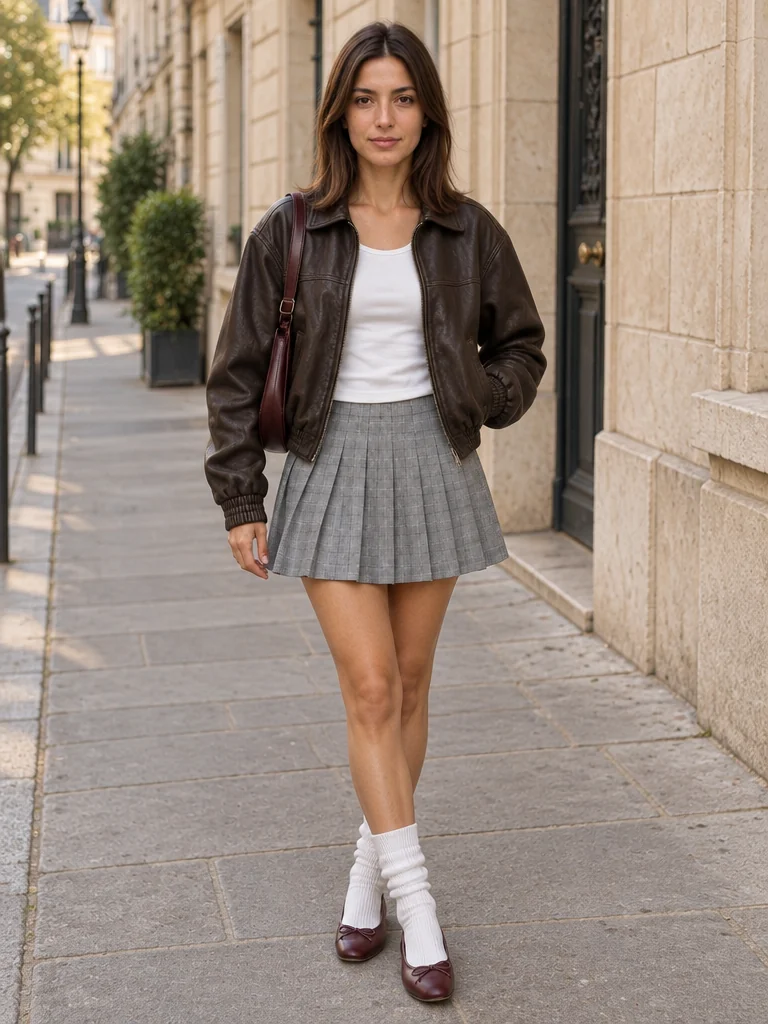 Example result
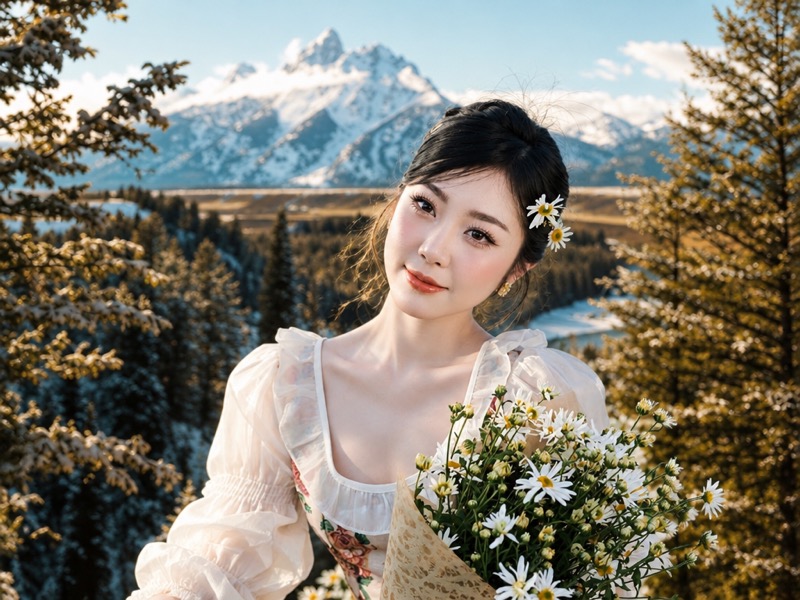
Separate photos. A scene that belongs together.
Combine the person you love, the place you remember, and the details that make the picture yours. Start with two to four references and tell the editor what to bring together.
Give every photo a role
Identify a person, a setting, or another reference so your instructions are easier to follow.
Start with a visual direction
Explore complete examples, choose a preset, and adapt the composition to your own images.
Keep your next edit close
Your original uploads and new composition stay separate, ready to reuse from My assets.
Person + background image
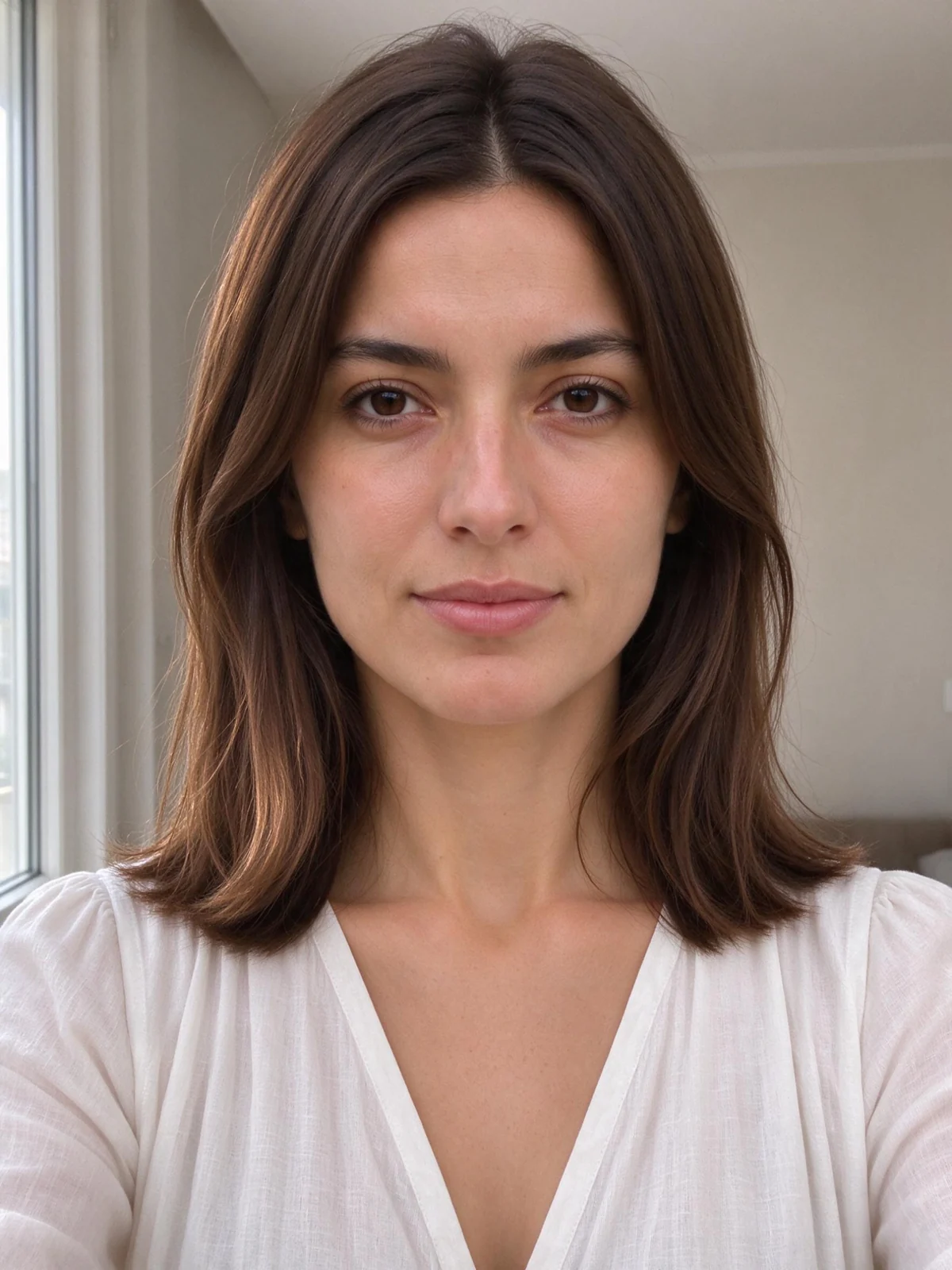
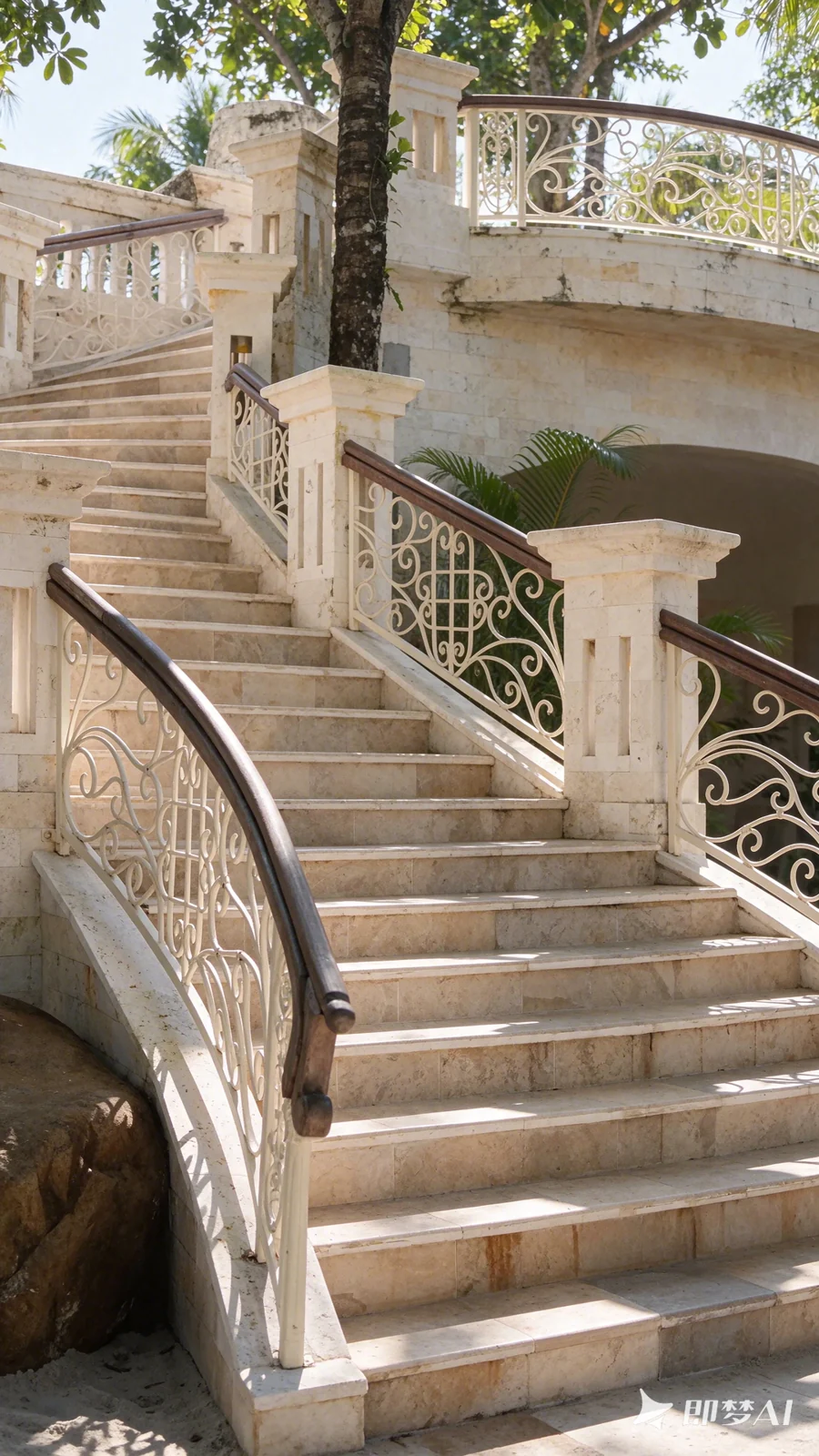
Bring your person into another scene.
Give one image the person role and the other the background role. Ask for natural scale, compatible perspective and light that belongs to the setting.
- Two source photos with distinct roles
- Editable composition and lighting direction
- Reuse the same scene in Add Person to Photo
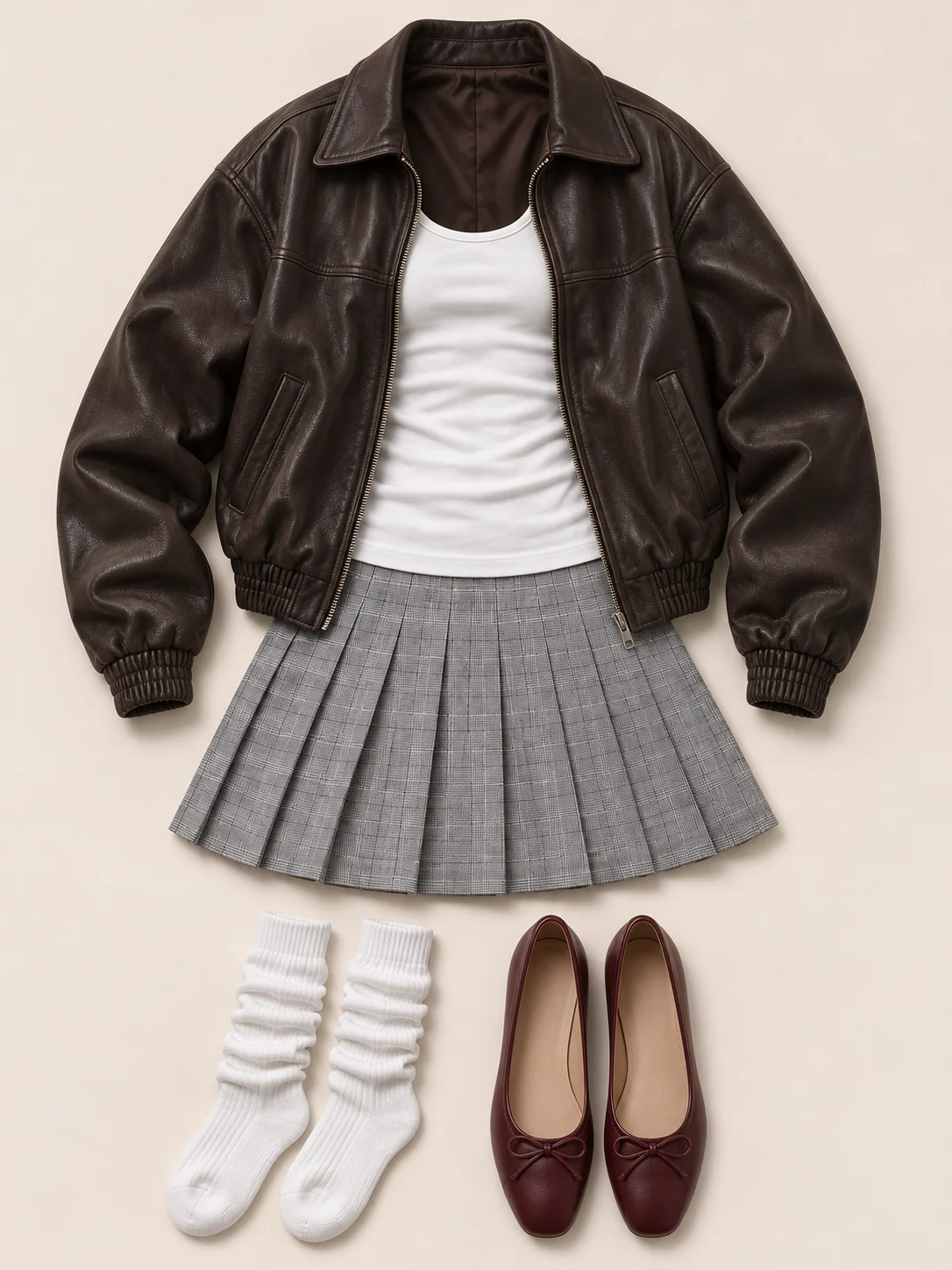
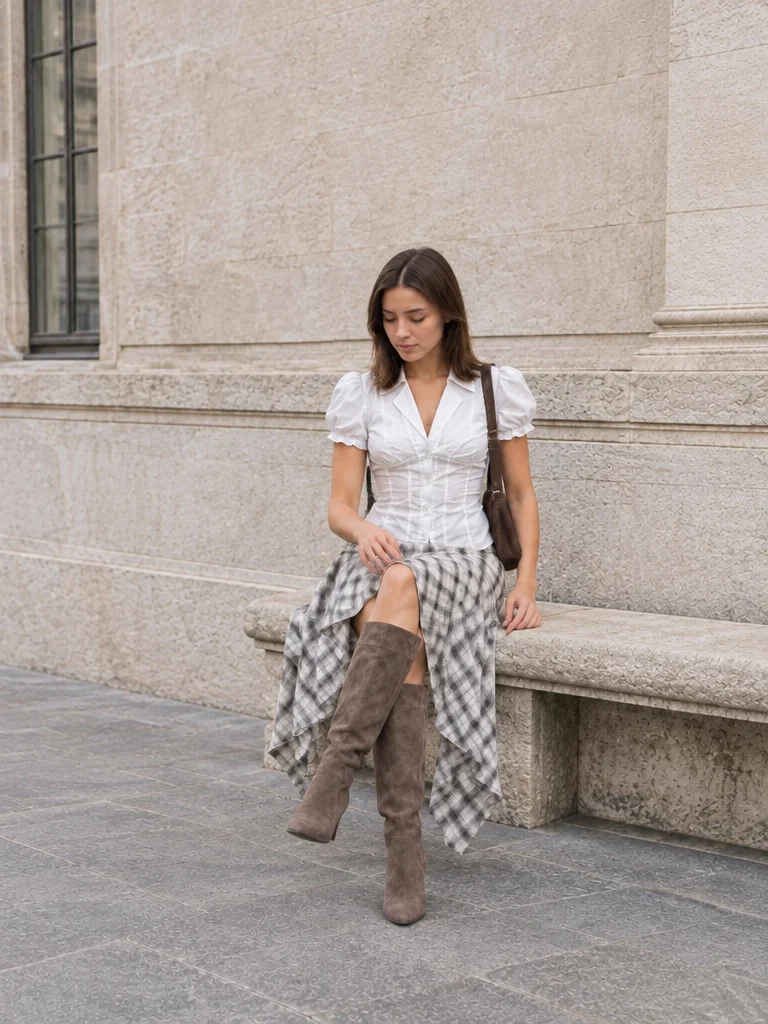
Outfit + background description + your photoTry this example
Build a street-style photo from three choices.
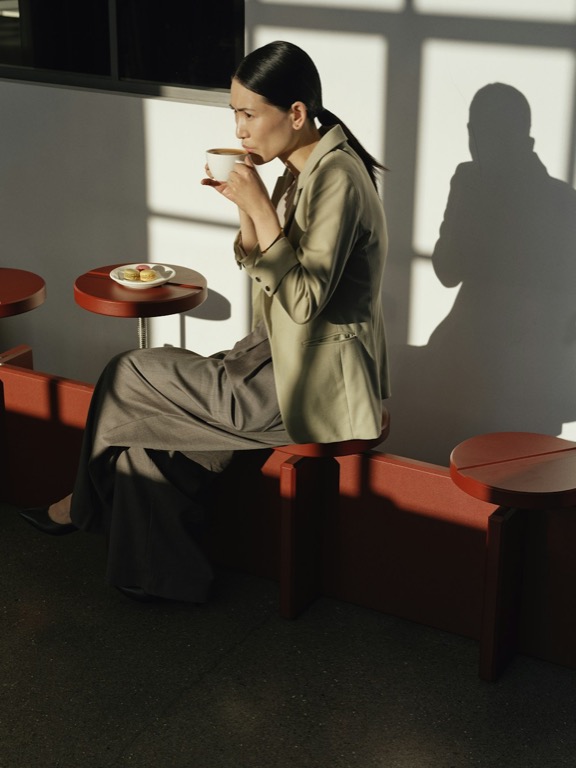
Your portrait supplies the person, a clothing reference supplies the outfit, and a written description supplies the location. Keep those roles separate so the edit has a clear direction.
- Person and outfit have separate image inputs
- Describe the background in its own field
- Change the outfit and setting while referencing the same person
View the example directions
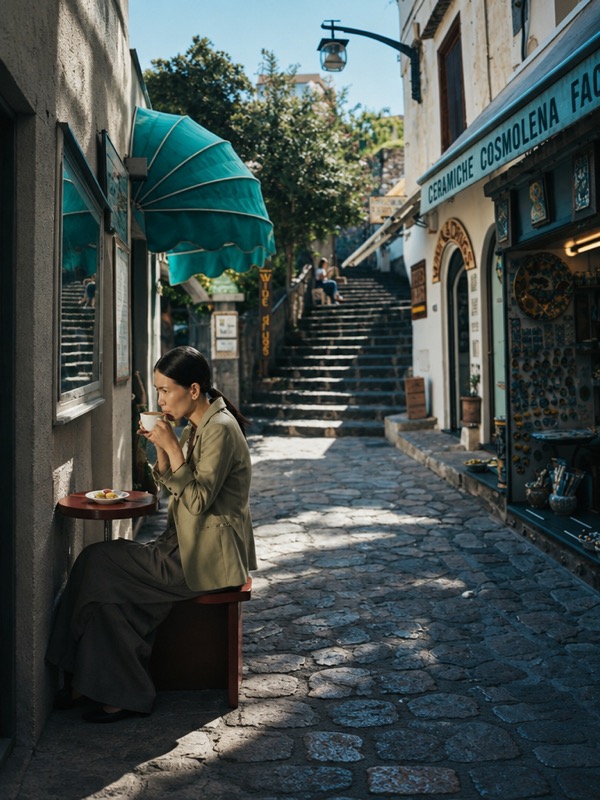
Background
An understated European city street with warm stone facades, a quiet sidewalk and soft daylight. Natural full-body street-style photography.
More than one person
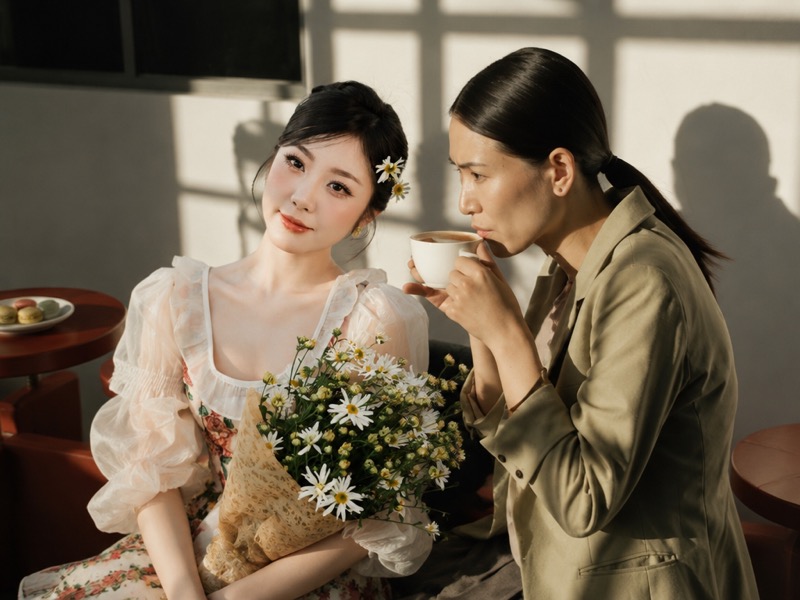
Bring two portraits into the same frame.
Combine people from separate photographs. Describe their spacing and the setting, then review faces and proportions in the new composition.
- Two to four source images
- Choose what to keep from each reference
- Keep the originals available for another edit
Keep creating
One composition can be the start of another.
Save an image you like and use it in a different photo tool. My assets keeps the result available without another upload.
- Download the finished composition
- Reuse it in Pose Changer or Add Person to Photo
- Revisit previous attempts in History
Find a place for your next idea.
Travel stories
Pair a portrait with a landscape and explore a composition that brings the trip into focus.
Friends & family
Build a new shared scene from separate portraits, with permission from the people pictured.
Social posts
Try a different setting or arrangement for a personal post without replacing your original.
Creative concepts
Explore how a subject and location work together before planning a shoot.
How to use AI Image Combiner
Choose your source images
Upload two to four photos. Use the role menu to identify the scene, people, or other elements you want to keep.
Describe the composition
Say what should come from each image. Choose a reference preset for a starting instruction, then make it your own.
Create and keep going
Review the result against the original. Download it, or use it in another photo tool without uploading again.
Four tools. Your next creative step.
Compose a scene, change a pose, bring someone into a picture, or give a moment a punchline.
You are hereCombine images
Bring people, places, and ideas from separate photos into one composition.
 Reimagine
Change a pose
Change a pose from a reference or written direction, create an action sequence, or choose a new background for your portrait.
Bring togetherAdd a person
Place someone into a background photo or a setting you describe, with control over position and scale.
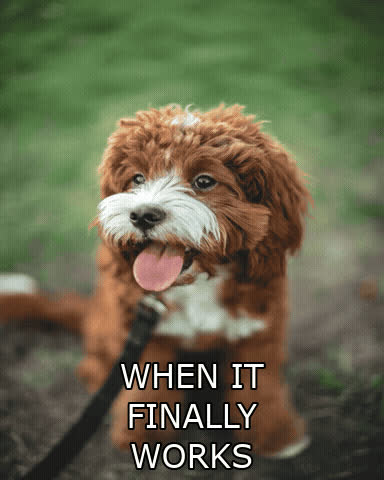 Make it loop
Make a GIF meme
Find a reaction, add your punchline, and make it loop. Edit your GIF or video, or explore prompts for your next animated idea.
A tool for the edit. An idea for the photo.
Choose a focused tool or find a little direction for your next picture.
Your questions, answered.
An AI image combiner creates a new composition using your selected references. It is useful when a subject and a setting live in different photos. It does not simply place untouched pictures side by side as a collage maker would.
Can I combine more than two images?
Yes. You can select two to four PNG, JPEG, or WebP images. Assign each a role and explain which elements should appear in the final composition.
Is this a collage maker?
No. This tool asks an image model to blend references into a new scene. For a fixed grid of unchanged photos, use a conventional collage editor.
Will every detail be preserved?
No. AI editing can reinterpret faces, text, hands, and small objects. Keep the original files and compare your output before using it.
Which image formats and sizes are supported?
Use PNG, JPEG, or WebP images under 20 MB each. A photo-generation request can contain up to 35 MB of source images in total.
Can I use my own photos with a preset?
Yes. A preset applies editable directions and settings. Add your own images, check their roles, and adjust the prompt before creating.
Where can I find my original images and results?
Signed-in users can find their uploads and outputs in My assets, and open previous tasks from History. Original uploads are kept separate from generated results.
How is combining images different from adding a person?
Combine images is for an open-ended composition from several references. Add Person to Photo is for a specific scene and one person, with placement and size controls.
See what your photos could become.
Choose your references, describe the scene, and make your first composition.
Combine my photos