01 / Reimagine
Your photo + a pose reference
Borrow the posture from a reference while keeping your own appearance.
Use this preset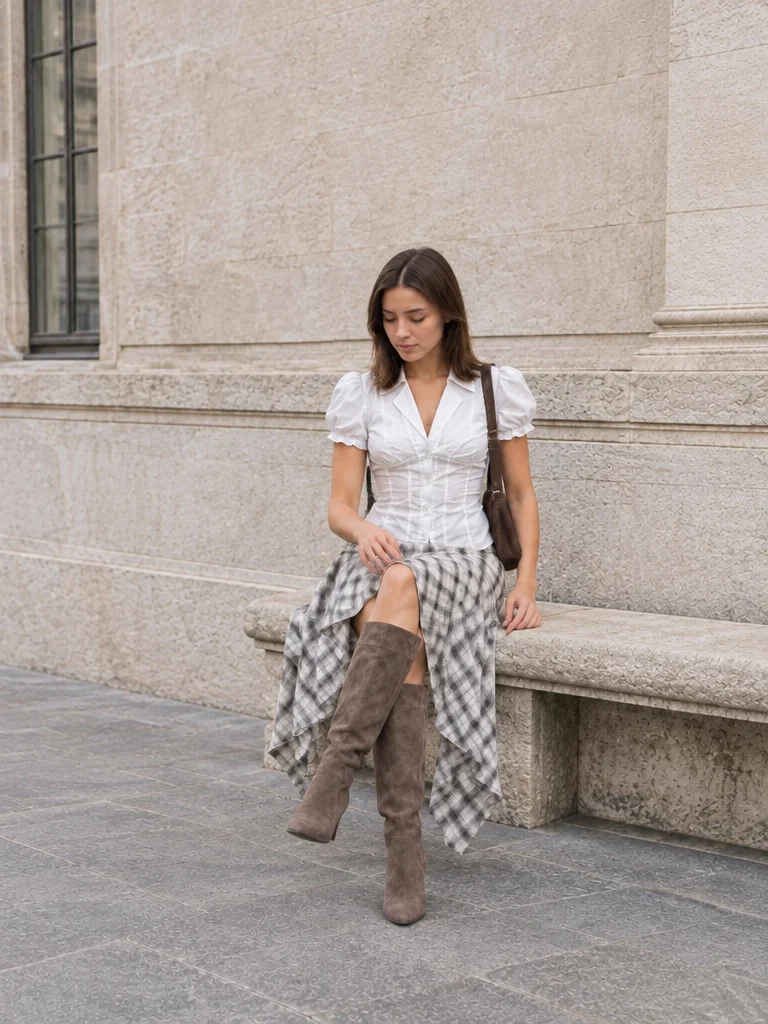 Example result
Change a pose from a reference or written direction, create an action sequence, or choose a new background for your portrait.
Borrow the posture from a reference while keeping your own appearance.
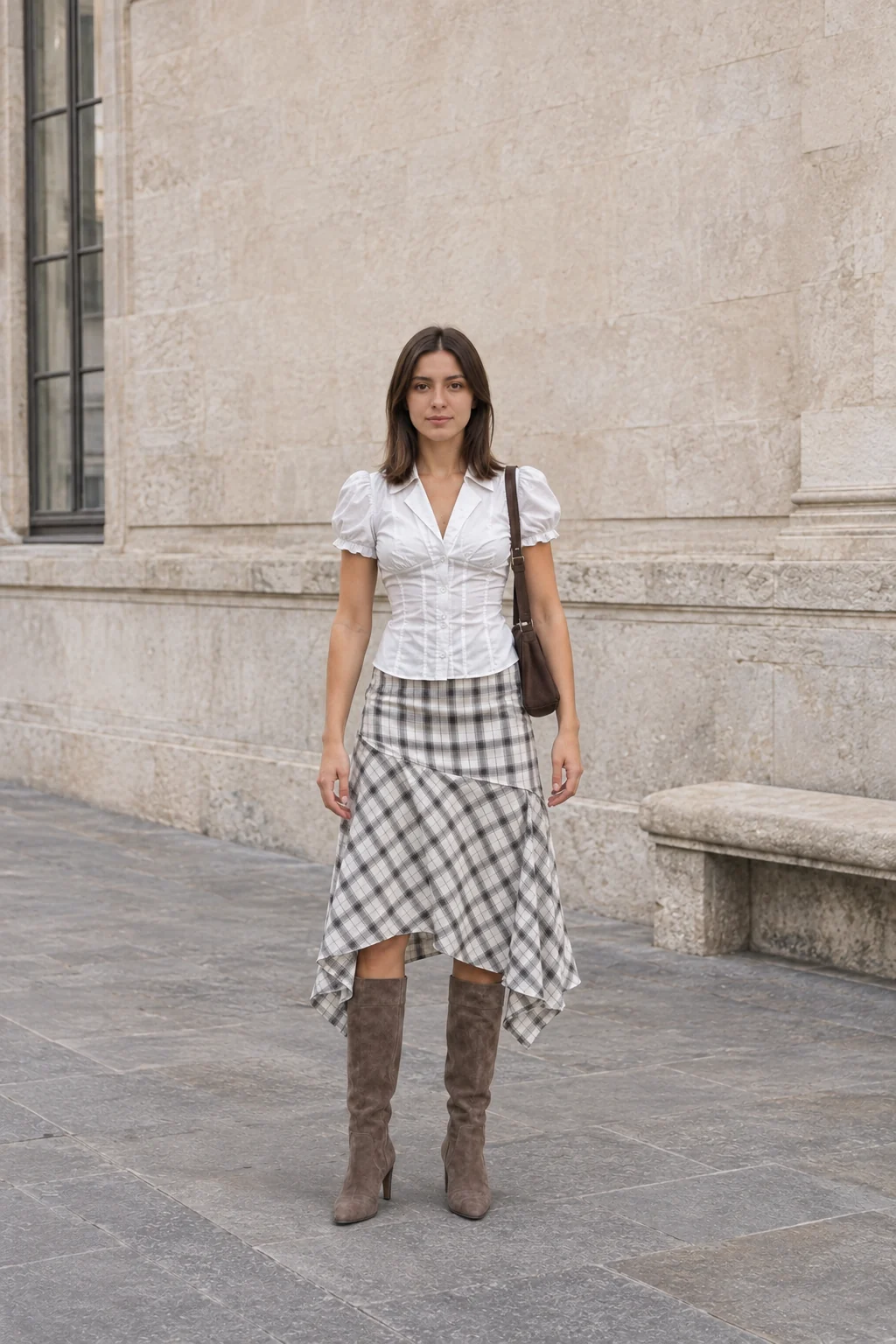
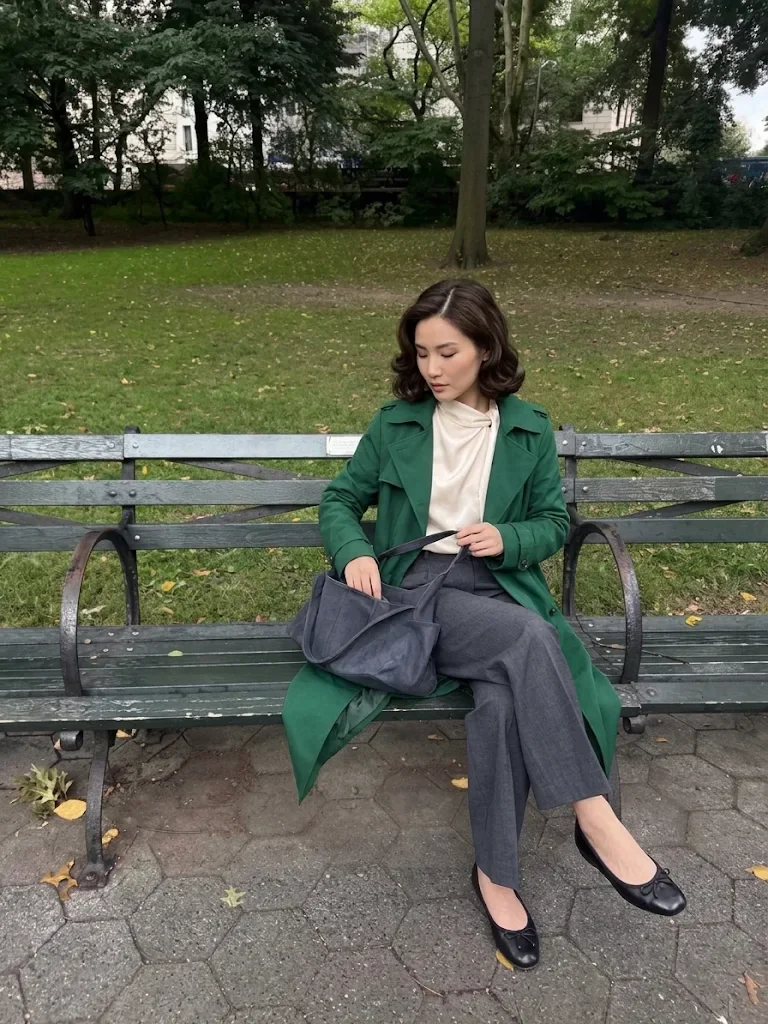
Borrow the posture from a reference while keeping your own appearance.
Use this presetExample resultDescribe the body position instead of finding a reference photo.
Use this preset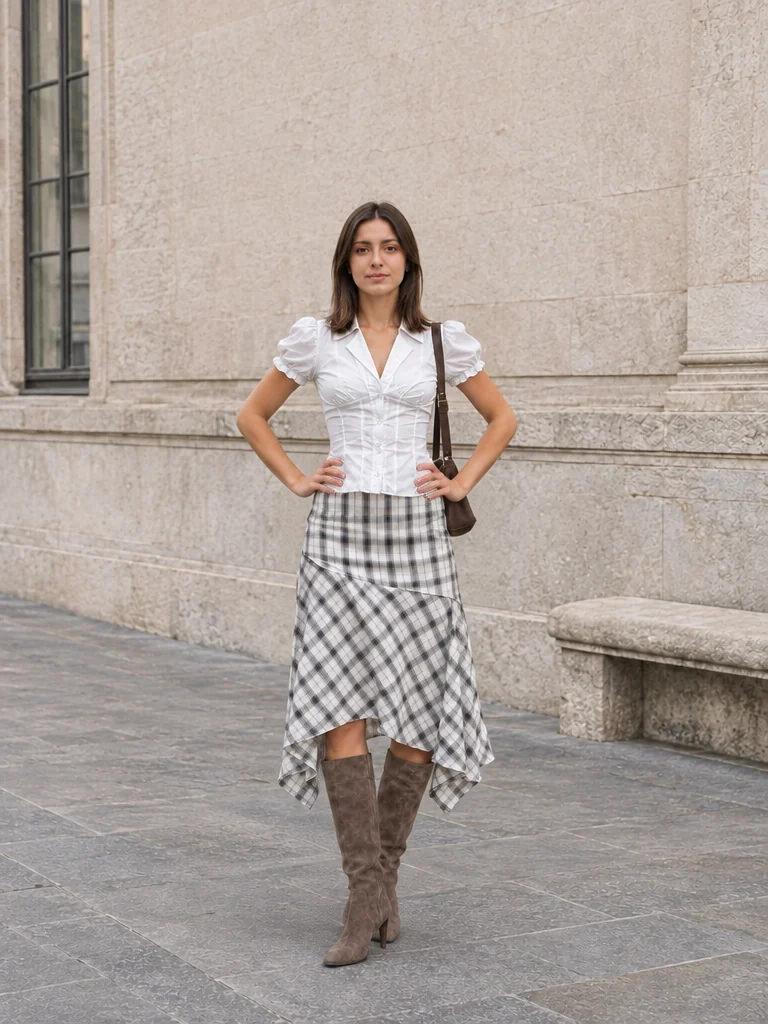 Example result
Use a pose reference, describe a new position, create a sequence of actions, or combine a pose with a background you choose. Each example shows the inputs and a result so you can start with the workflow that fits your photo.
Tell the editor where to place the shoulders, hands, and feet. Edit a preset’s instruction to suit the person and framing in your photo.
Upload a reference that shows the body position you want. The original photo supplies the person; the pose reference guides posture and composition.
Write a few actions for separate photos, or upload a background alongside your pose direction. Keep the person and outfit as references throughout the edit.
Use a second photo to show the posture you want. The original supplies the person and outfit; the reference supplies body position, hand placement and the angle of the shoulders.
Use the pose reference only for the seated posture, crossed legs and relaxed hand position. Keep the original person, face, hairstyle, outfit and setting. Do not copy the reference person, clothing or background.
Tell the editor where to place the hands, shoulders and feet. Start with the hands-on-hips example, then change the direction to suit your portrait. Standing, seated and walking poses are all directions within this workflow.
Show the same person standing with both hands resting on their hips, elbows gently angled outward, weight resting on one leg and a relaxed expression. Keep the whole body in frame, including hands and feet. Keep their face, hairstyle, outfit and the original background.
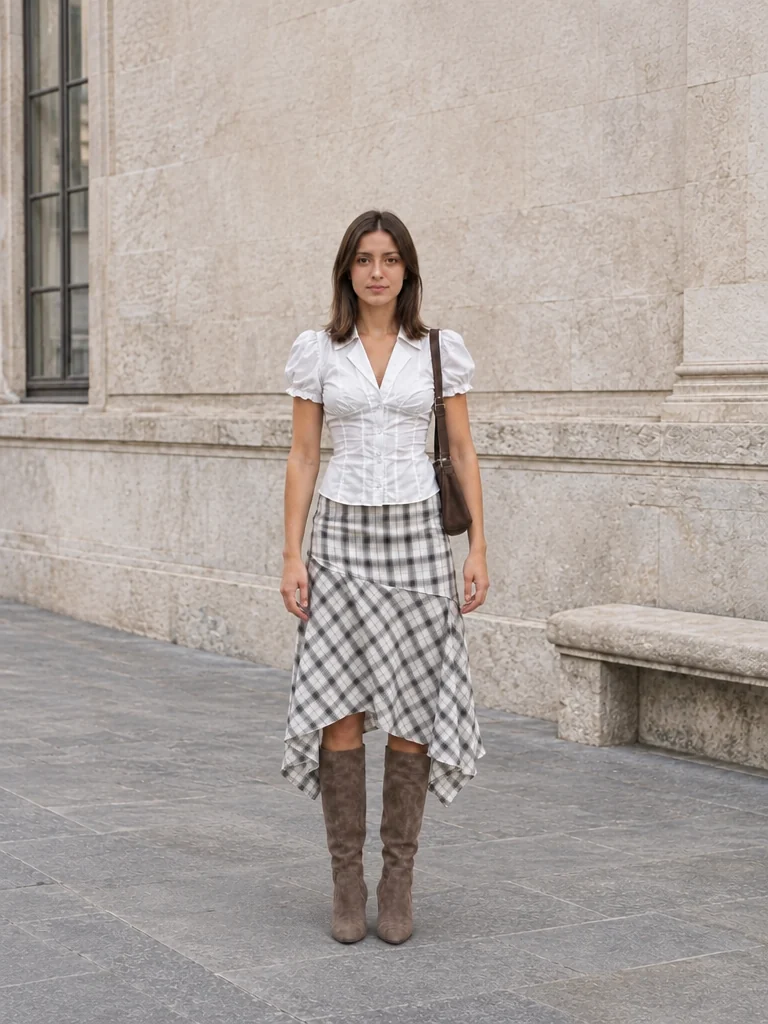
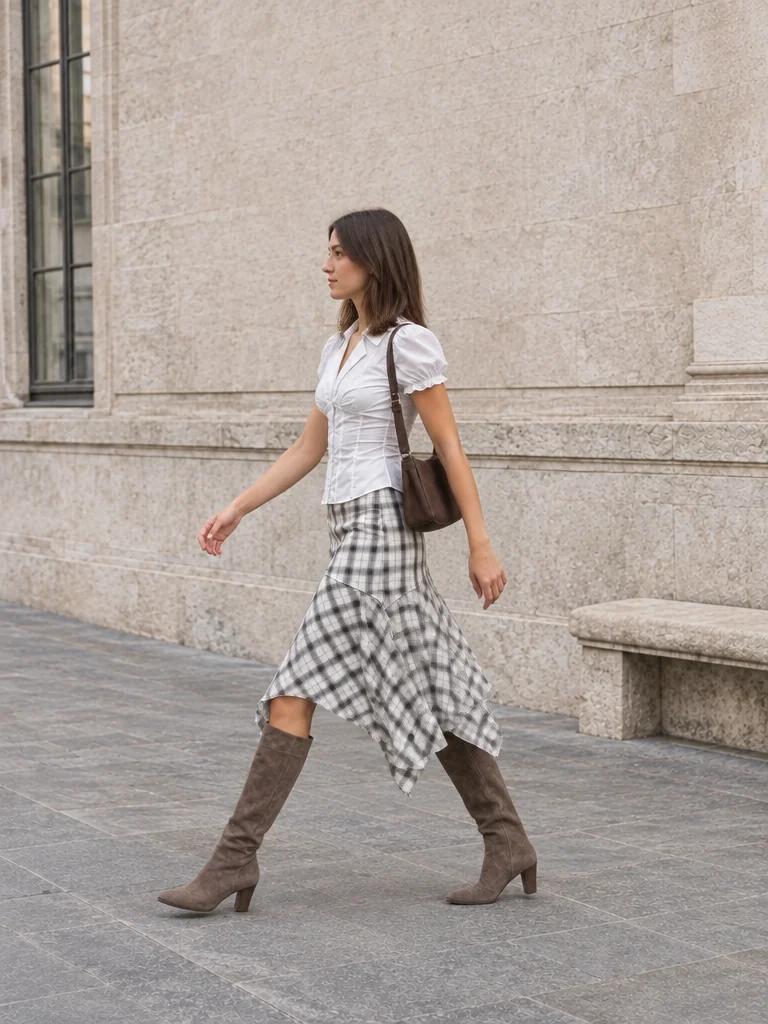
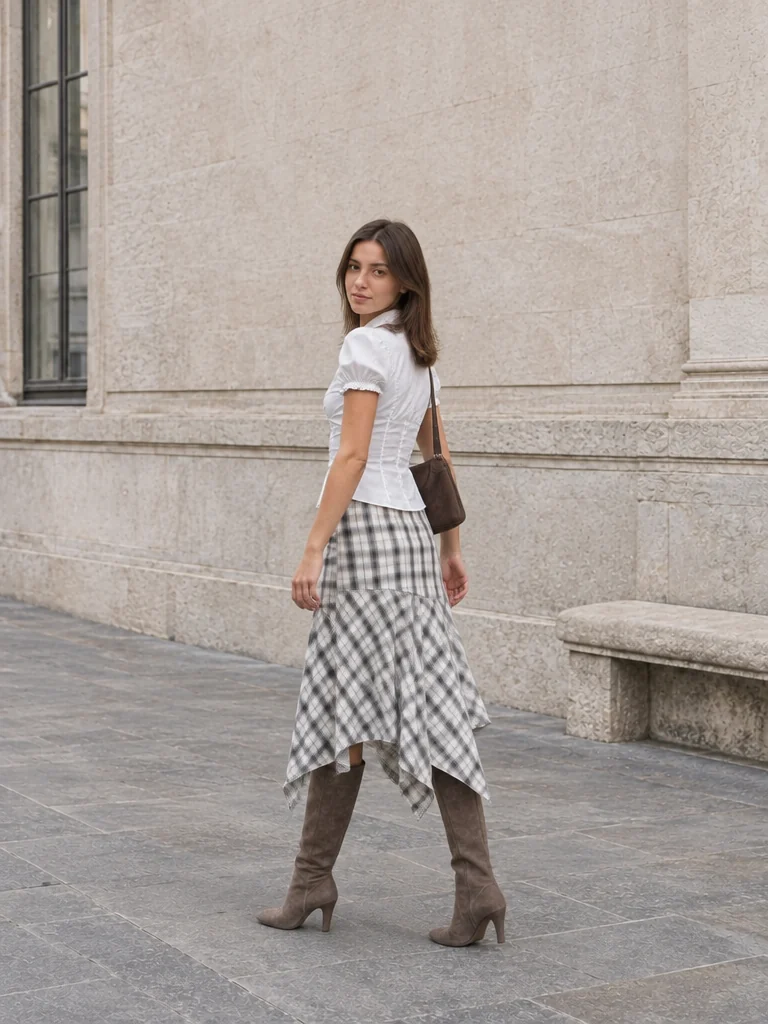
Write one action for each image—for example, stand, step forward and look back. The editor uses your original photo throughout the sequence and asks for consistent appearance, clothing and location.
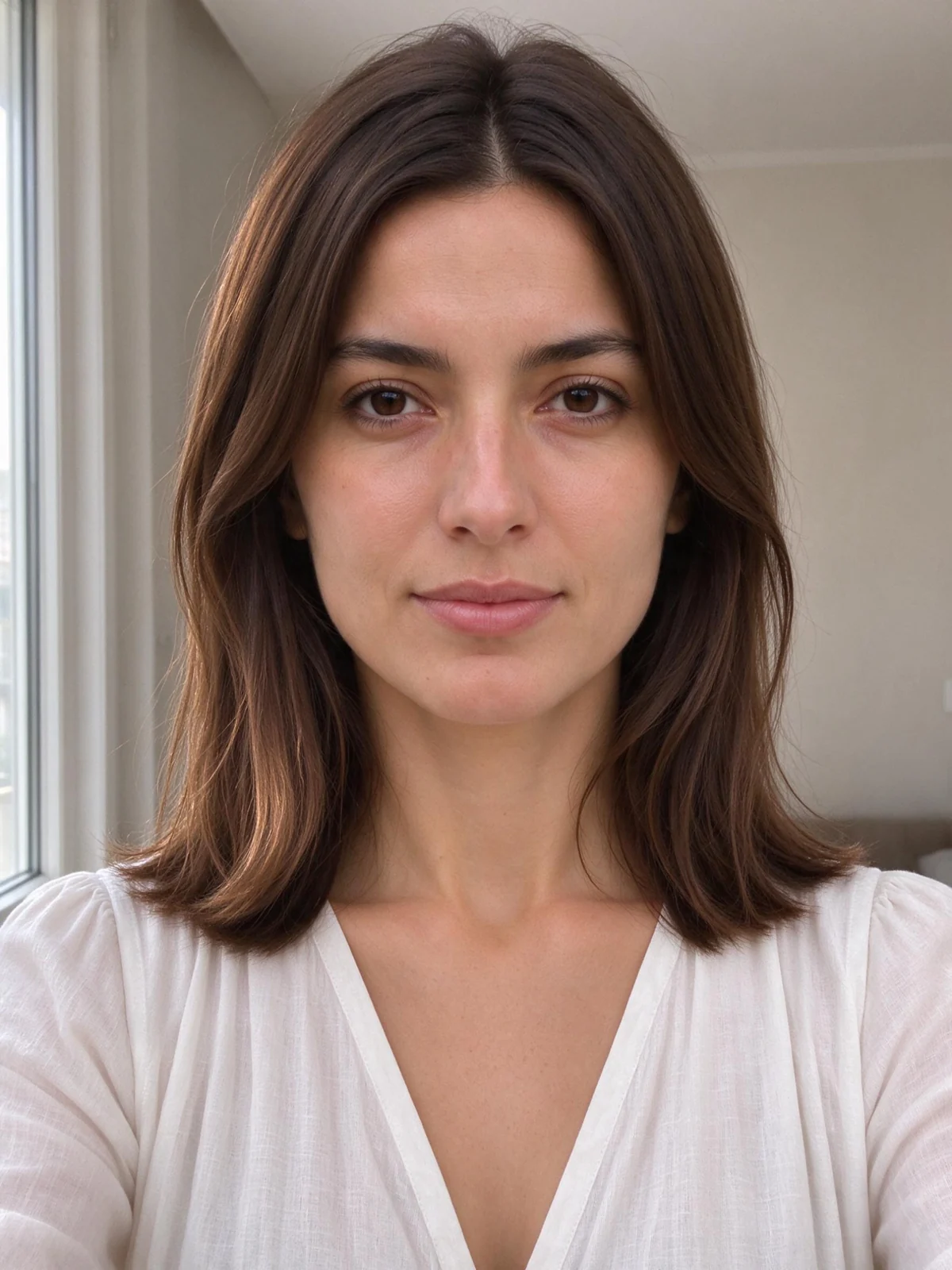
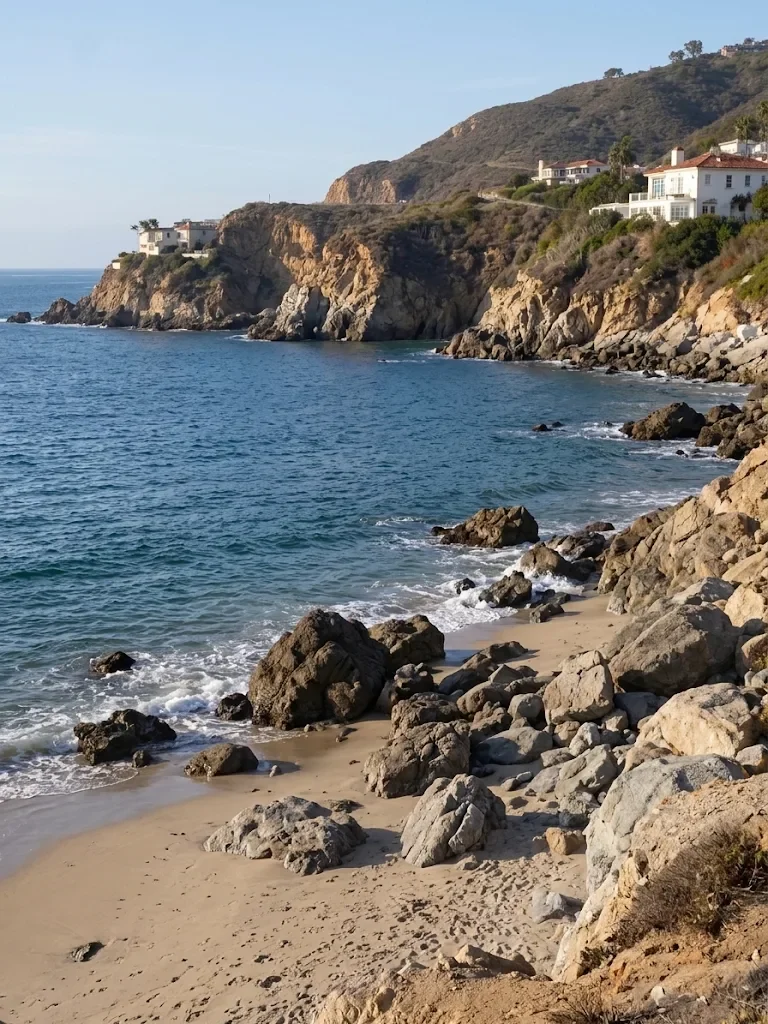
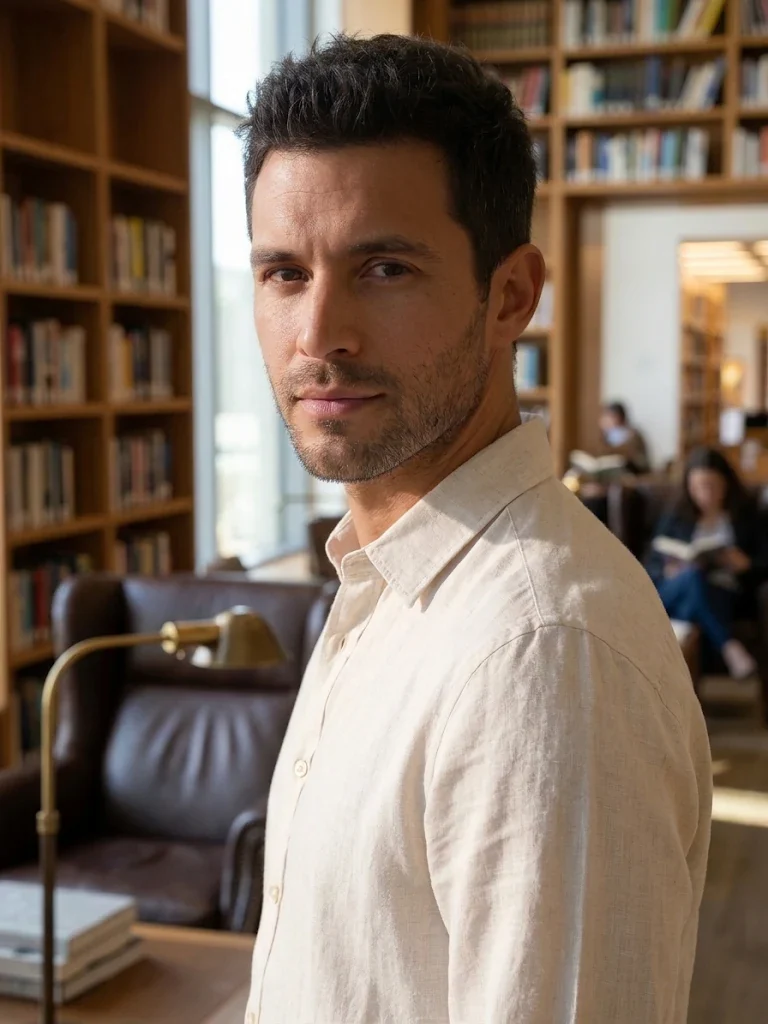
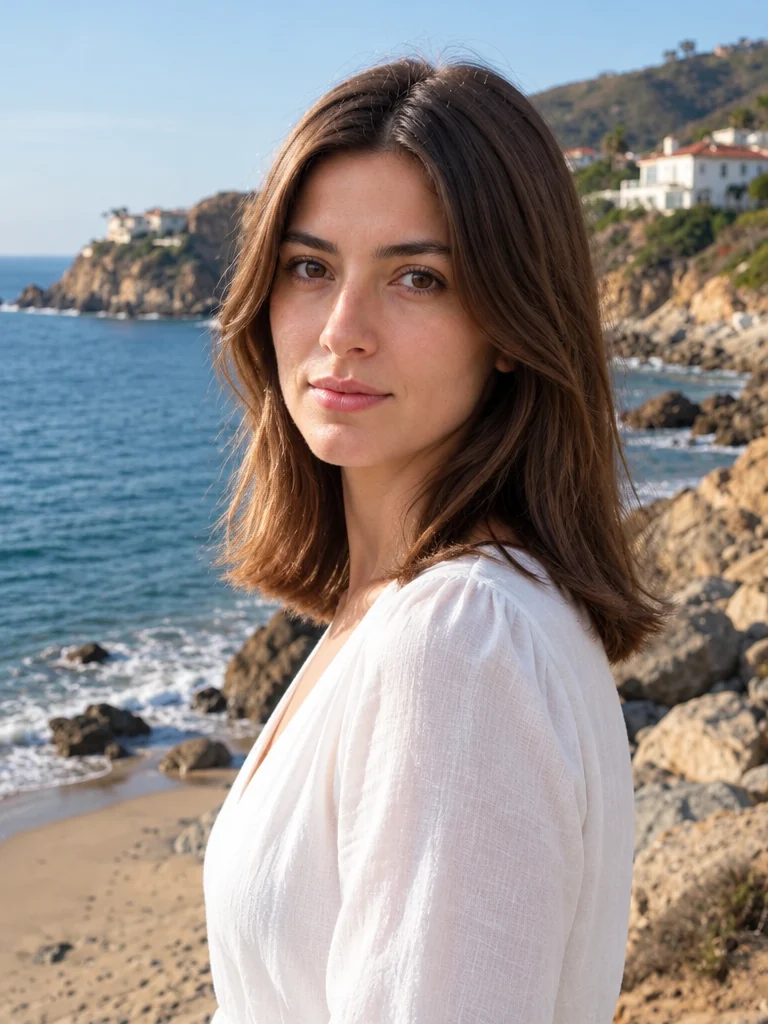
Upload your portrait and a background image, then describe how to turn, stand or sit. An optional pose reference can help explain body direction without replacing the person or outfit.
Turn your torso about 45 degrees away from the camera, then turn your head back toward the lens. Keep shoulders relaxed and frame an upper-body portrait. Use the pose reference only for body direction, not identity or clothing.
Explore a gentler shoulder angle or a more comfortable stance in a favorite photo.
Try a look-back or seated direction that gives the location room in the frame.
Compare how a stance changes the way an outfit reads, checking garment details after editing.
Try a standing, seated, or look-back direction from the same source photo, then compare the versions in History.
Upload a PNG, JPEG, or WebP photo. Show the full body for standing or walking edits; keep the face and hands clear for a portrait adjustment.
Choose a pose reference, a written pose, an action sequence, or a background-and-pose edit. Add the required references and describe the result you want.
Compare each edited photo with your original, including the face, hands, outfit and background. Download an image or reuse it in your next edit.
Compose a scene, change a pose, bring someone into a picture, or give a moment a punchline.
 Compose
Bring people, places, and ideas from separate photos into one composition.
You are hereChange a pose from a reference or written direction, create an action sequence, or choose a new background for your portrait.
Bring togetherPlace someone into a background photo or a setting you describe, with control over position and scale.
 Make it loop
Find a reaction, add your punchline, and make it loop. Edit your GIF or video, or explore prompts for your next animated idea.
Choose a focused tool or find a little direction for your next picture.
Use the AI pose changer to edit posture from a written direction or reference photo. Create an action sequence as separate images, or add a background reference when the pose belongs in a new location.
No. Choose a preset or write a direction such as “turn the shoulders slightly and rest one hand at your side.” If you add a pose reference, it guides body position while your original supplies the person to edit.
You can ask the model to preserve identity, clothing, and scene. The result still needs review: an AI edit can alter these details even when preservation is requested.
Our pose guide explains standing, seated, and walking ideas with practical directions. Each suggested pose can be brought into this editor as an editable instruction.
No. It creates two to four separate still photos, with one written action for each image. Review the series for consistency before downloading or reusing a photo.
Choose a sharp image where the relevant body area is visible. Avoid heavily cropped hands or feet if the new pose depends on them, and keep the requested viewpoint close to the original.
Yes. Use the result actions to open it in a compatible photo tool, or select it later from My assets. Your original upload stays separate.
This page edits an existing photo. For ideas you can try in front of a camera, visit the poses for pictures article in our Blog.
Upload your original, choose a pose direction, and review the new version.
Try a new pose