Choose the photo to edit
Add a PNG, JPEG, or WebP photo with the person and the clothing you want to change clearly visible.

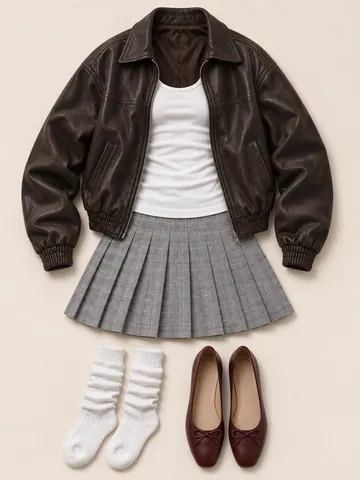
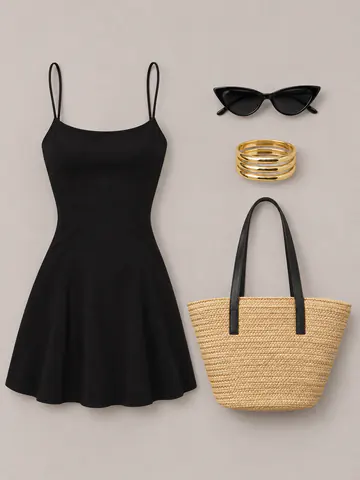
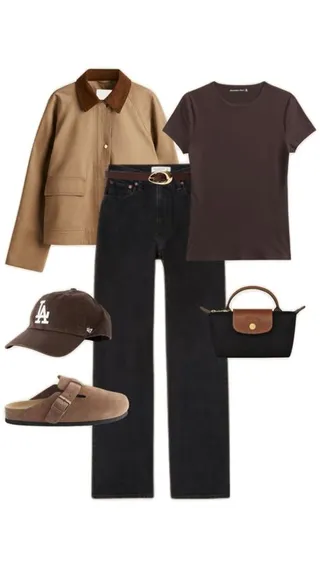
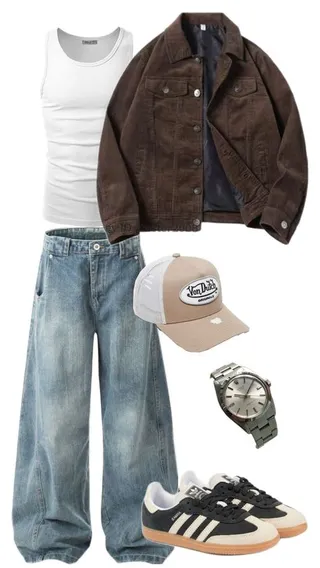
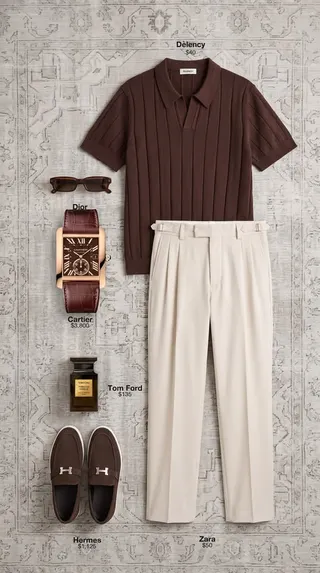
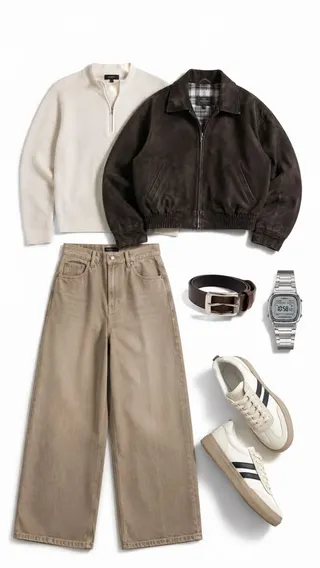
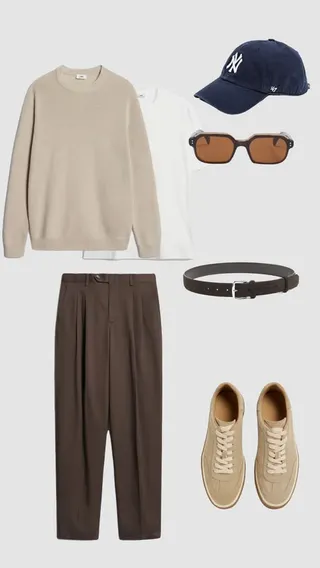
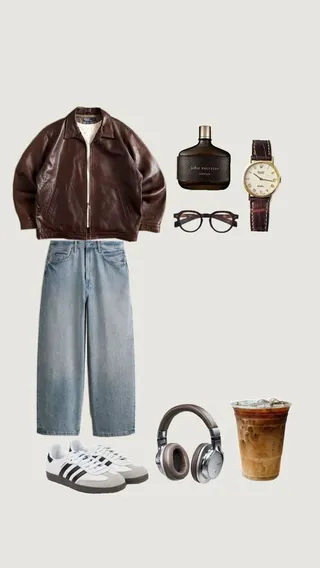
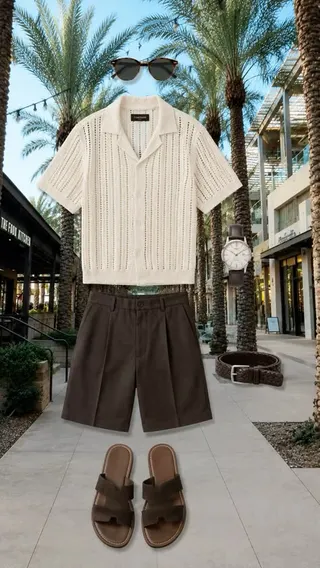
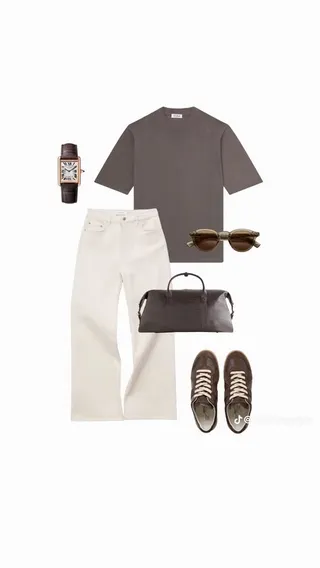
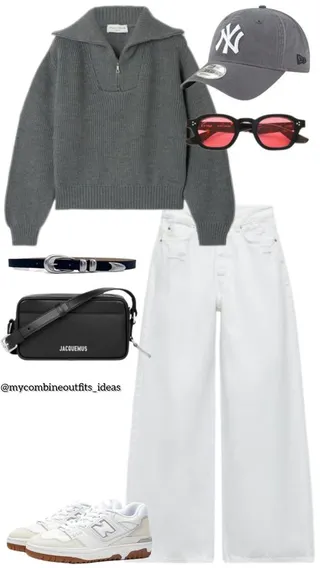
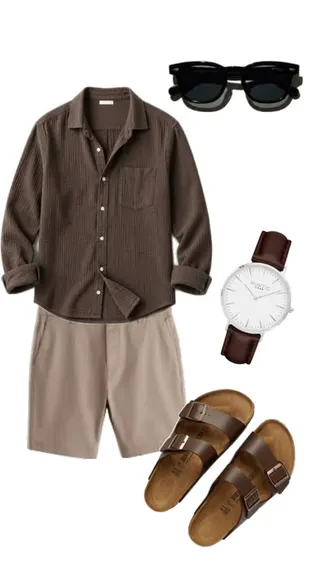
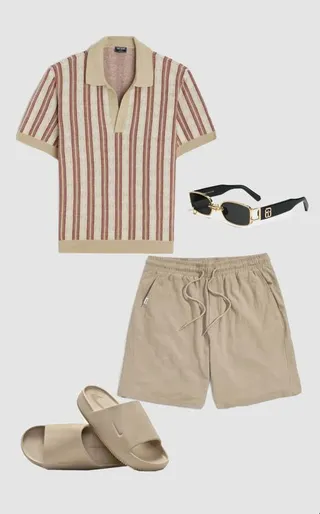
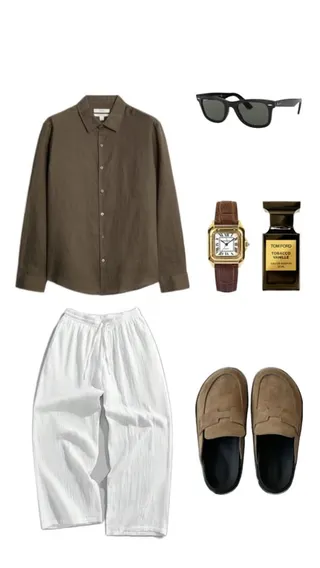
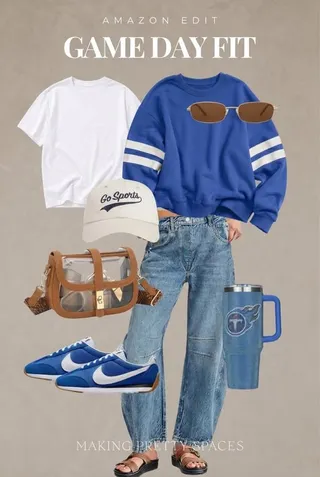
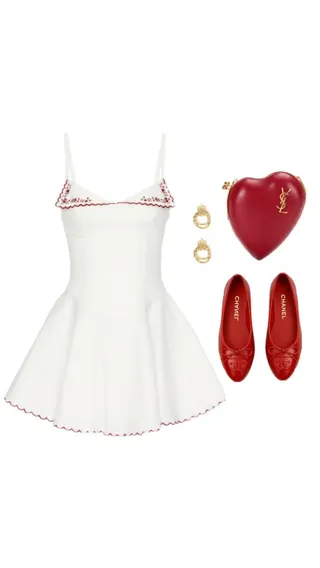
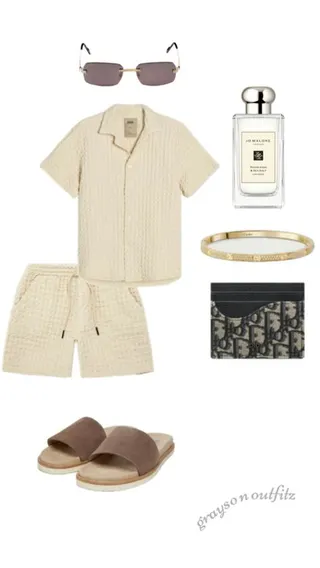
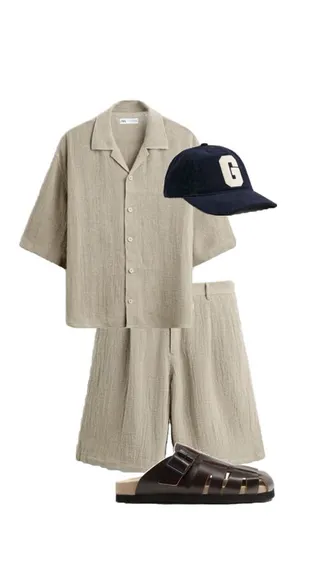
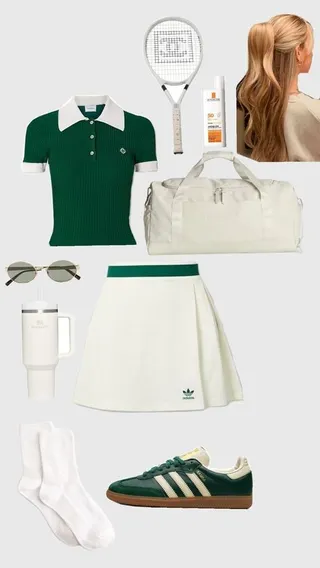
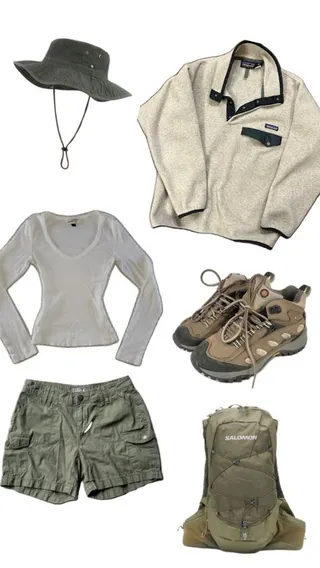
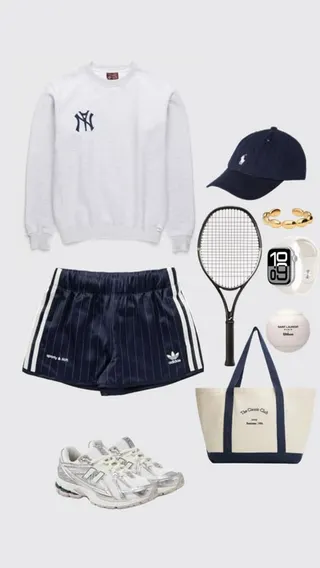
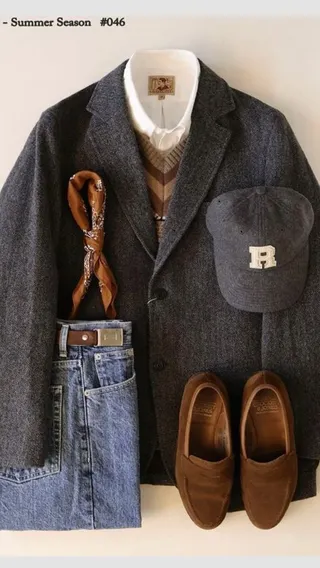
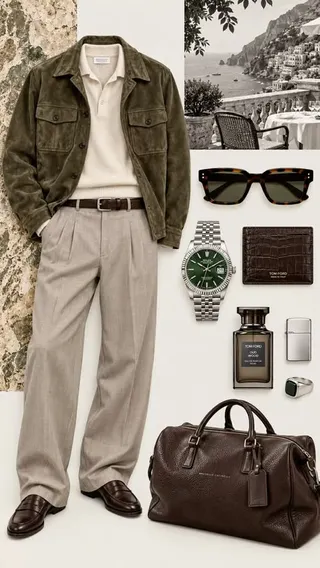
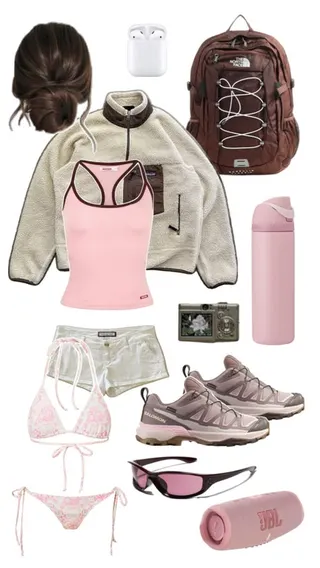
Swap clothes in a photo using an outfit reference, a written description, or both. Specify details such as sleeve length, fabric, color, or which person should wear the new outfit.
Add a PNG, JPEG, or WebP photo with the person and the clothing you want to change clearly visible.
Describe the cut, color, or fabric, or add clothing references from your files or Outfits. The selected model sets the total image limit. Use @ to specify which details to borrow from each reference.
Review the credit estimate before generating. Compare the result with your original, checking the face, body shape, clothing edges, and background.
Compose a scene, change a pose, bring someone into a picture, or give a moment a punchline.
Bring people, places, and ideas from separate photos into one composition.
Start with your original photo and use a pose reference or written direction to create an edited portrait.
Place someone into a background photo or a setting you describe, with optional placement directions.

Make images from text, edit with references, or design a long image in the Kling Image 4.0 editor.
Reduce pixelation in portraits, landscapes, and other photos.
Make a GIF from a clip, a written idea, or a photo. Add captions, control the motion, and choose OpenAI or Grok for a new animation.
Create an image from a prompt or edit your own references.
Use photos and clothing references you have permission to edit.
Use the original photo for the person and setting. Outfit references show clothing details such as neckline, sleeve length, and fabric. A pose reference guides body position and limb placement.
Yes. Start with your original photo and describe the clothes you want, including the garment, cut, color, or fabric.
Yes. Use references to show the clothing design. Use the prompt to say which details to borrow or change from each photo.
The edit is guided to preserve the person, setting, and original pose by default. Compare facial details, body shape, and the background with the original before using the result.
Go Greek adds a neutral activewear style to your prompt. The outfit directions and references you already supplied take priority. You can review the updated prompt or undo it before generating.
Choose the photo you want to edit and show or describe the clothes you want to try.
Open the outfit changer