
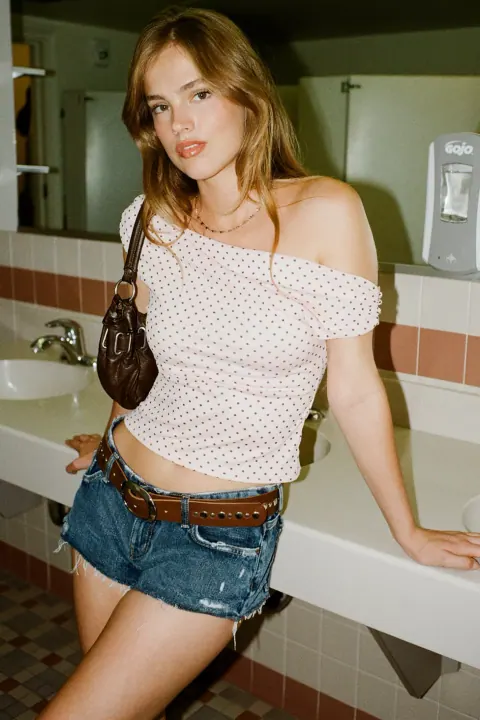
Kling AI example
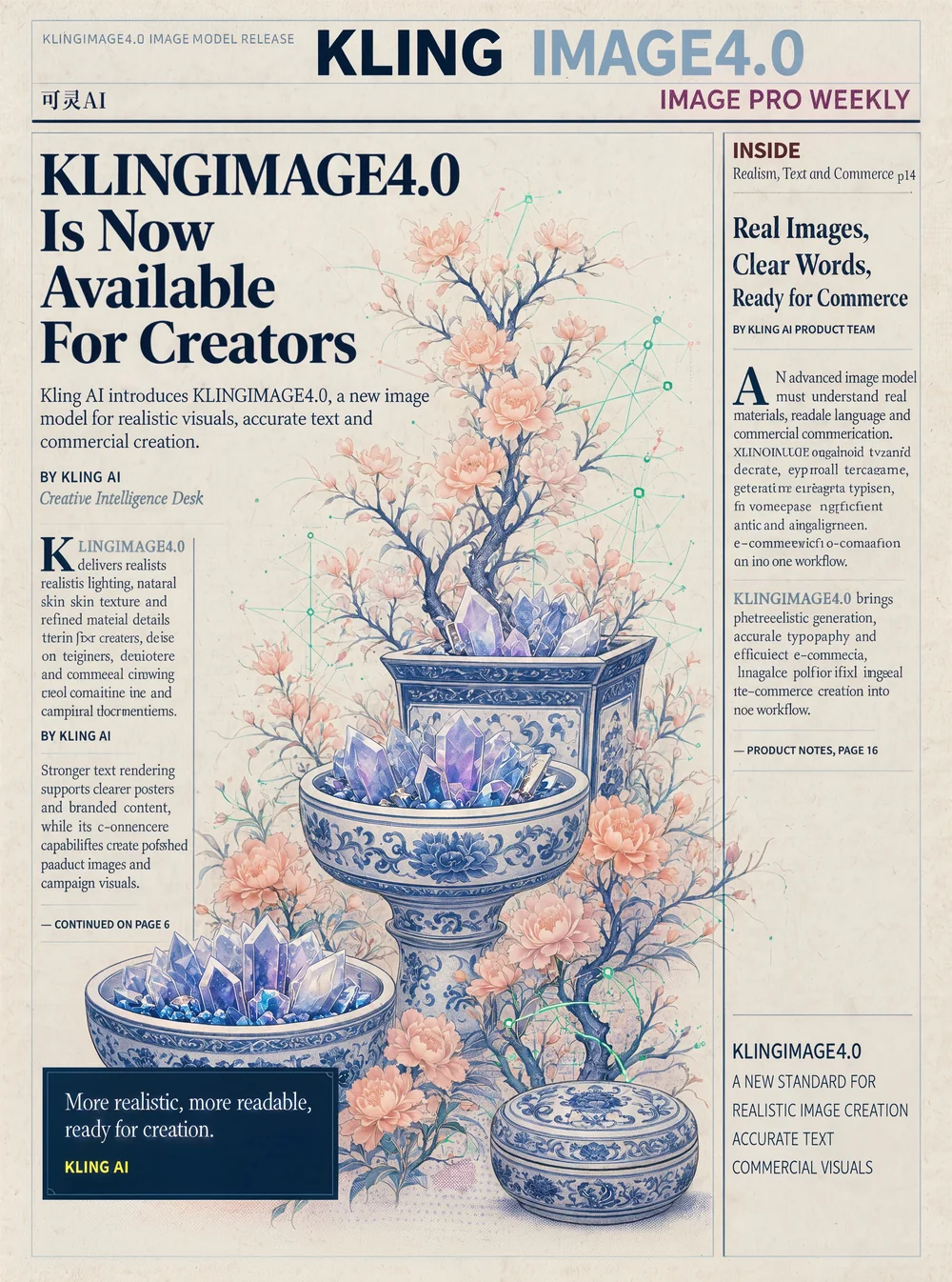
Create a newspaper-style poster
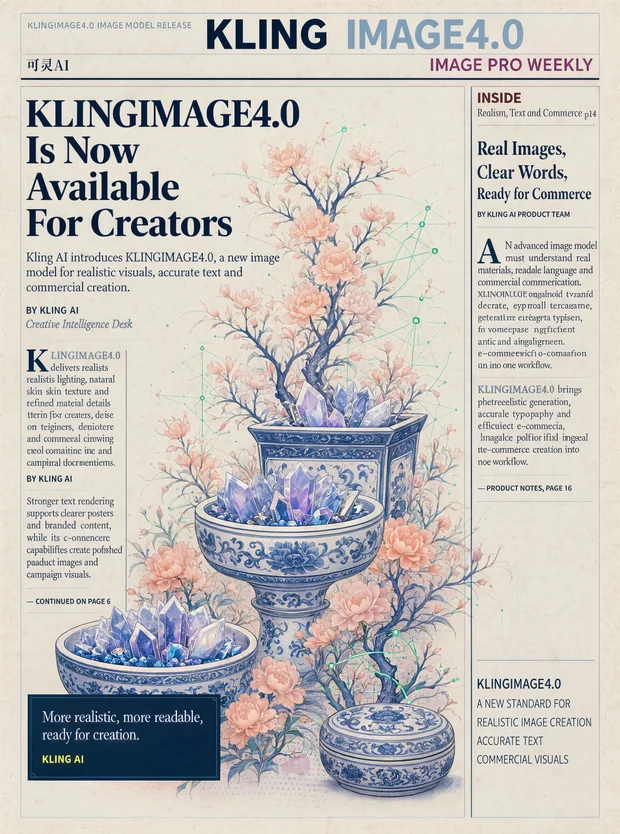 Example result
Inspiration

Inspire
Explore gallery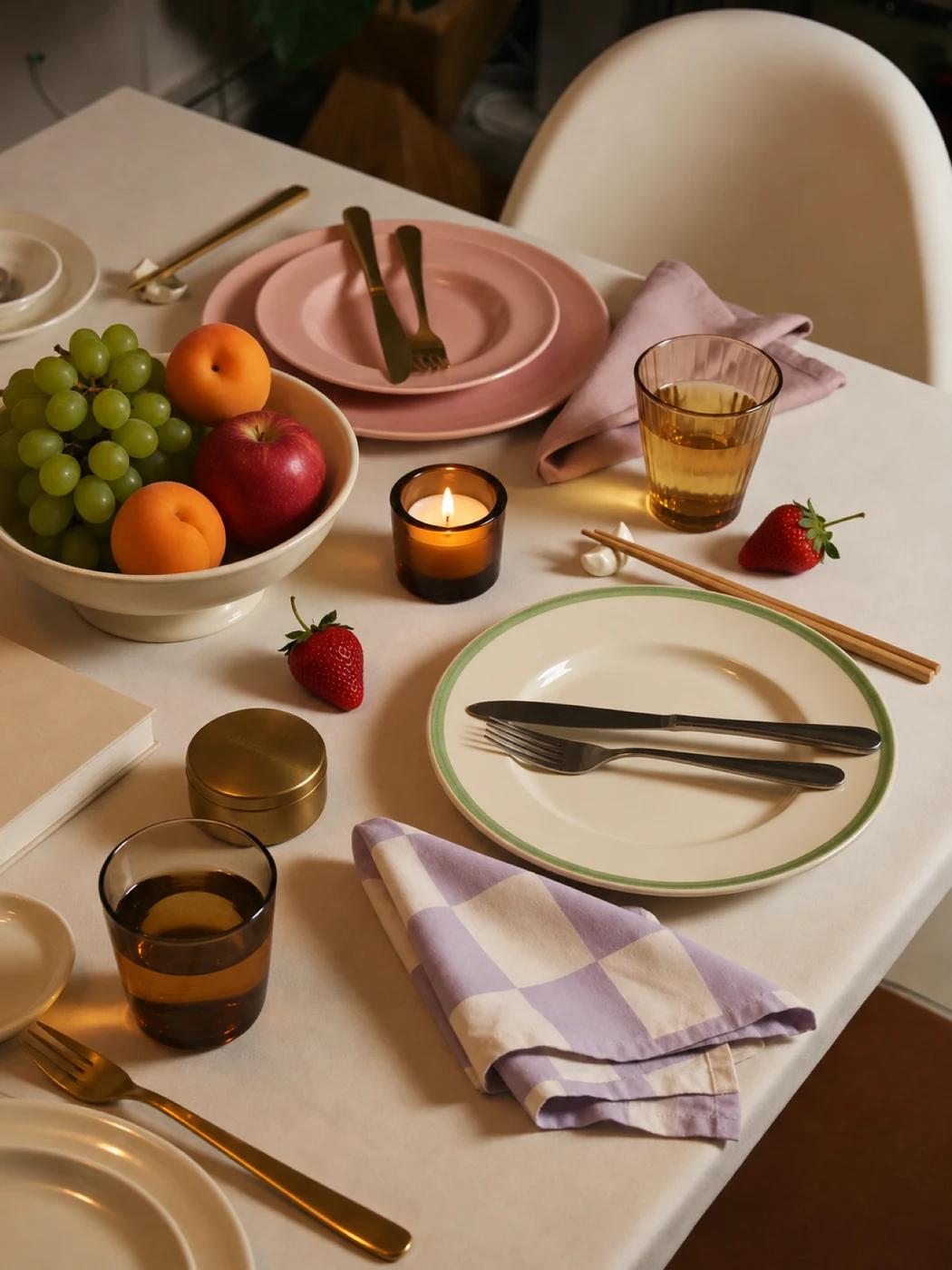
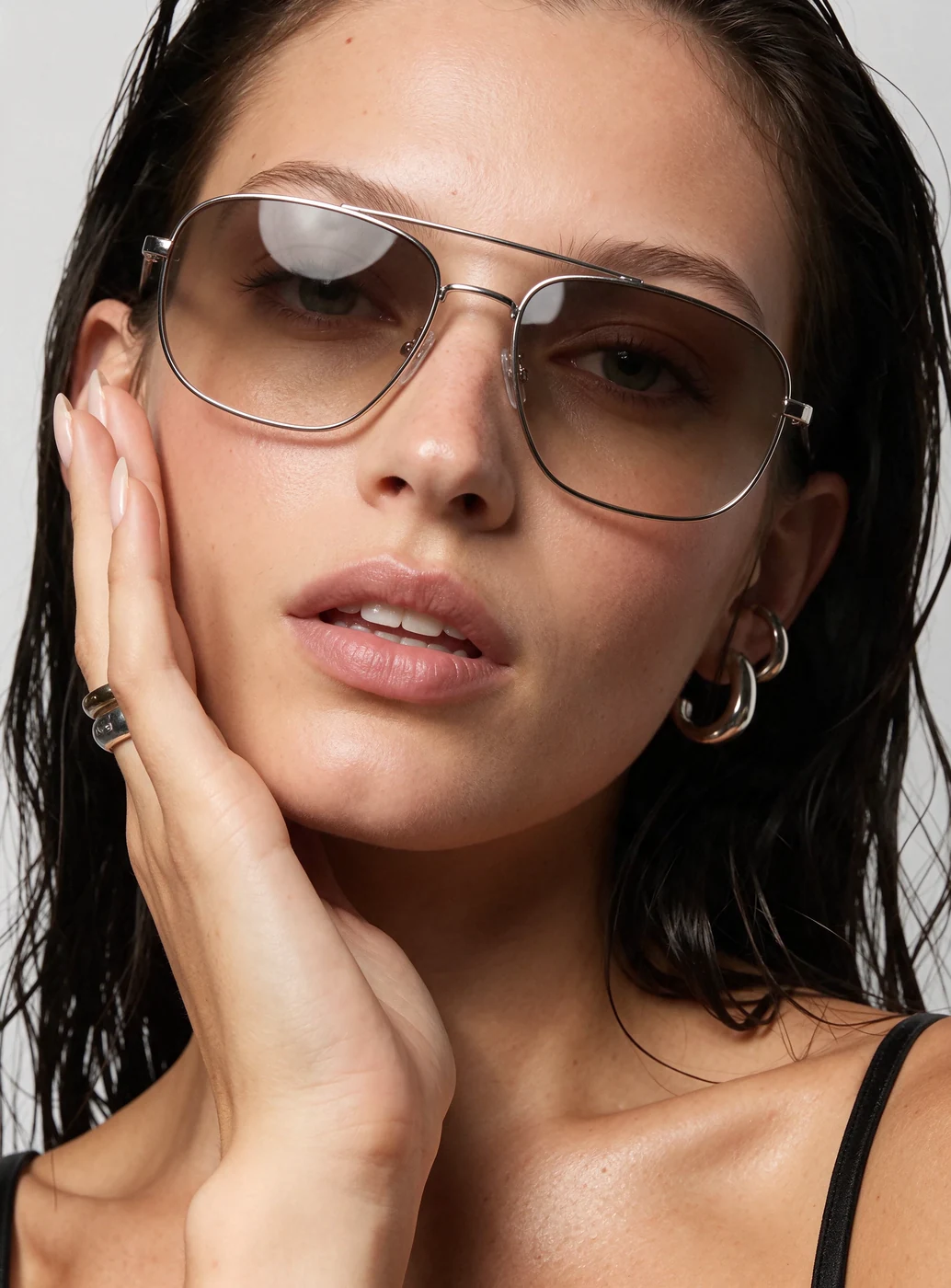

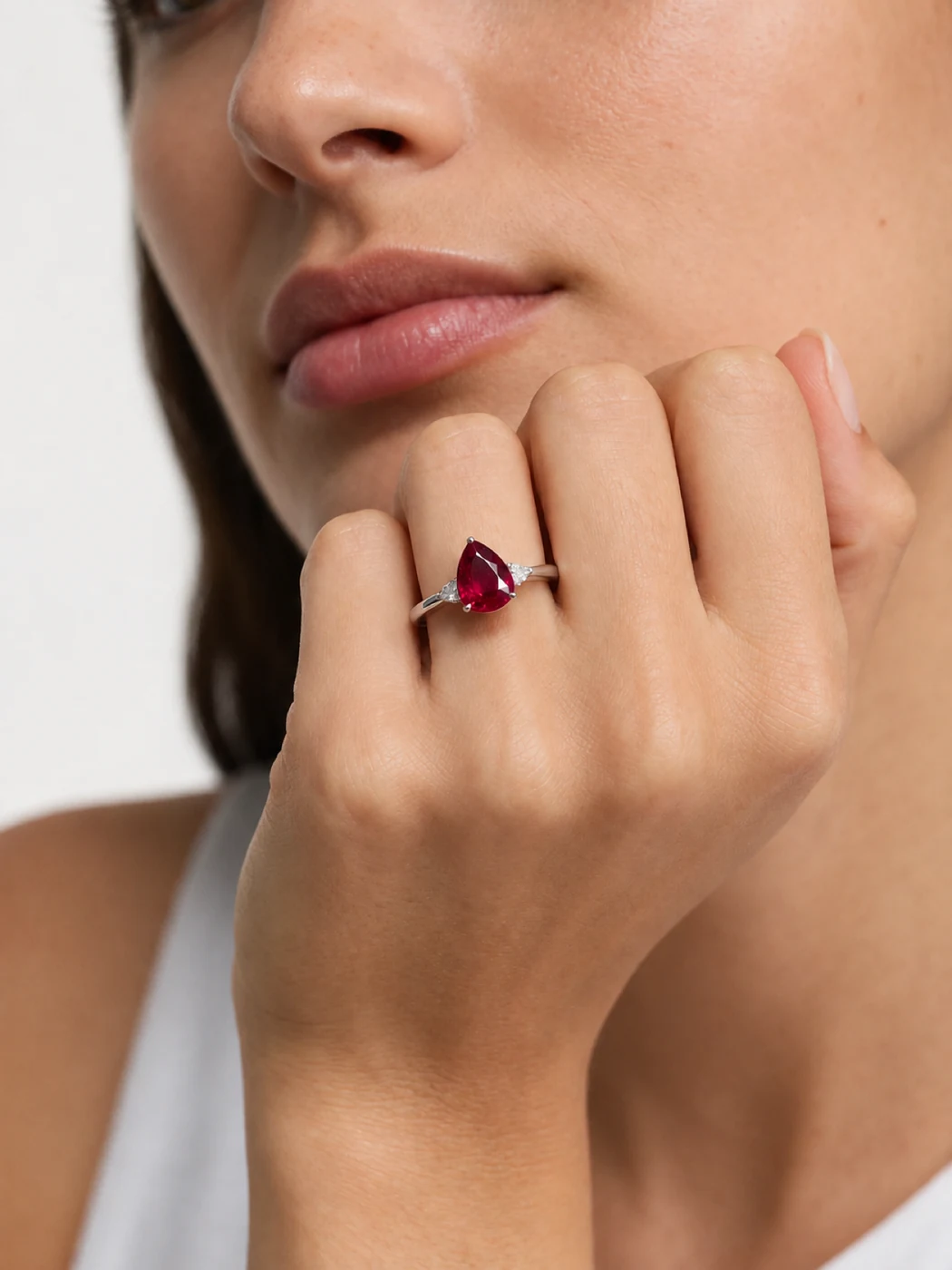
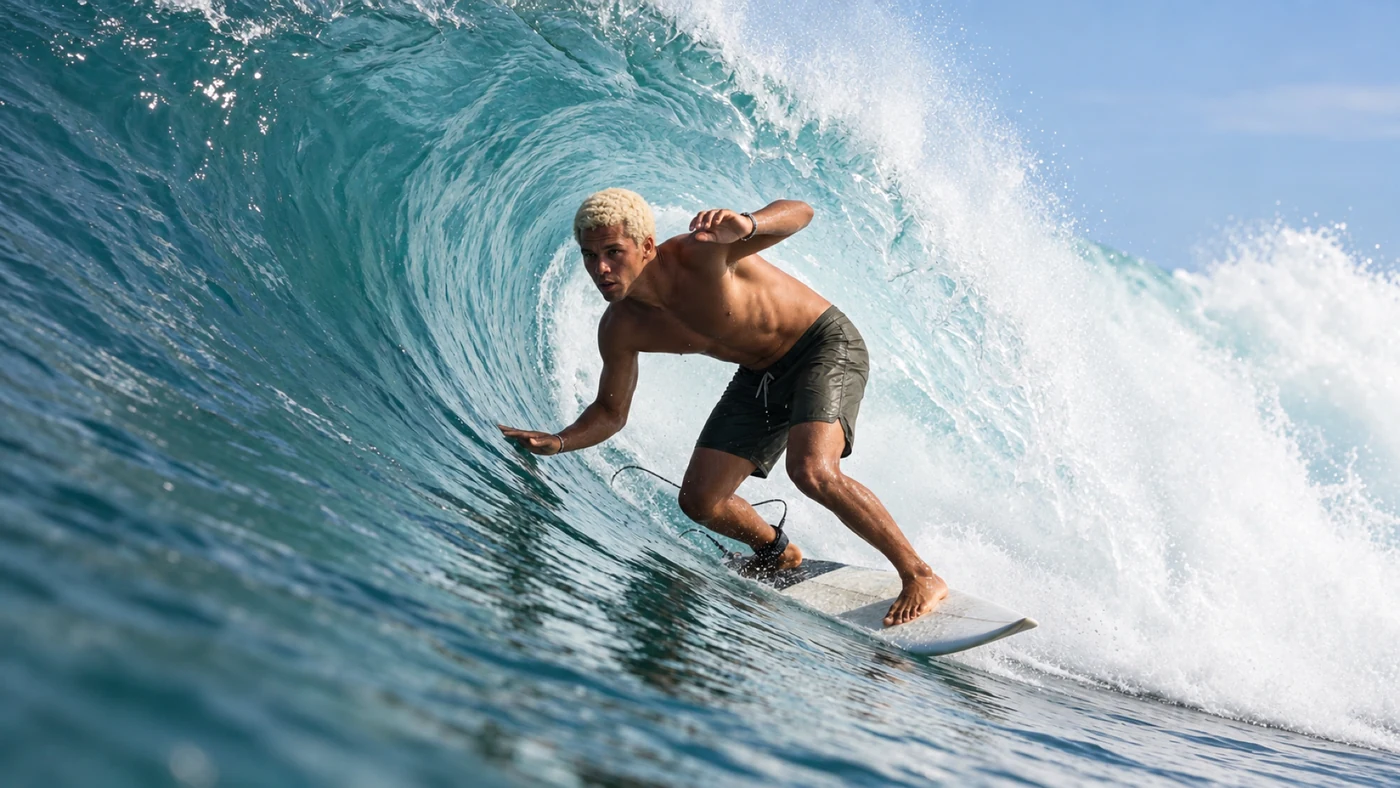
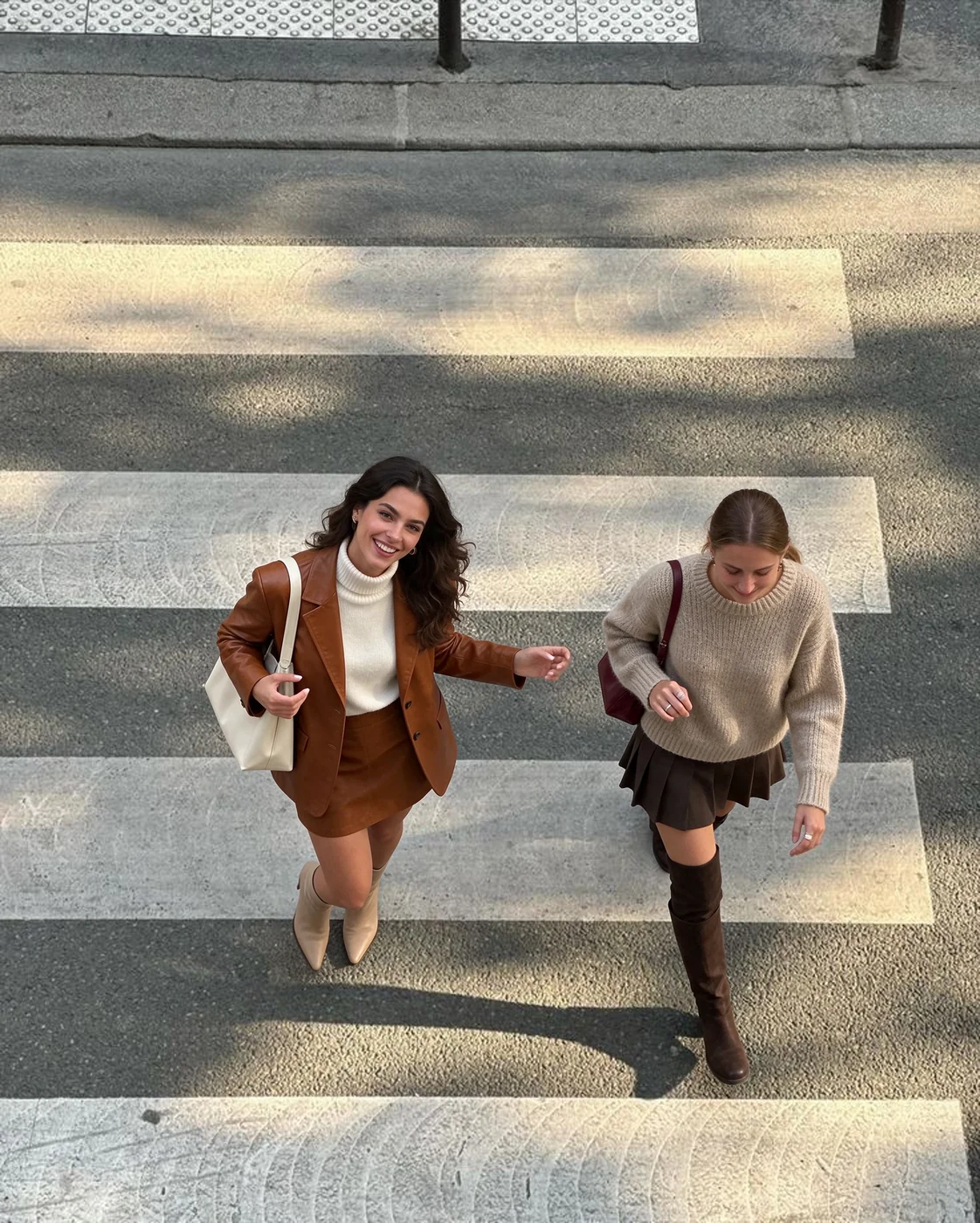
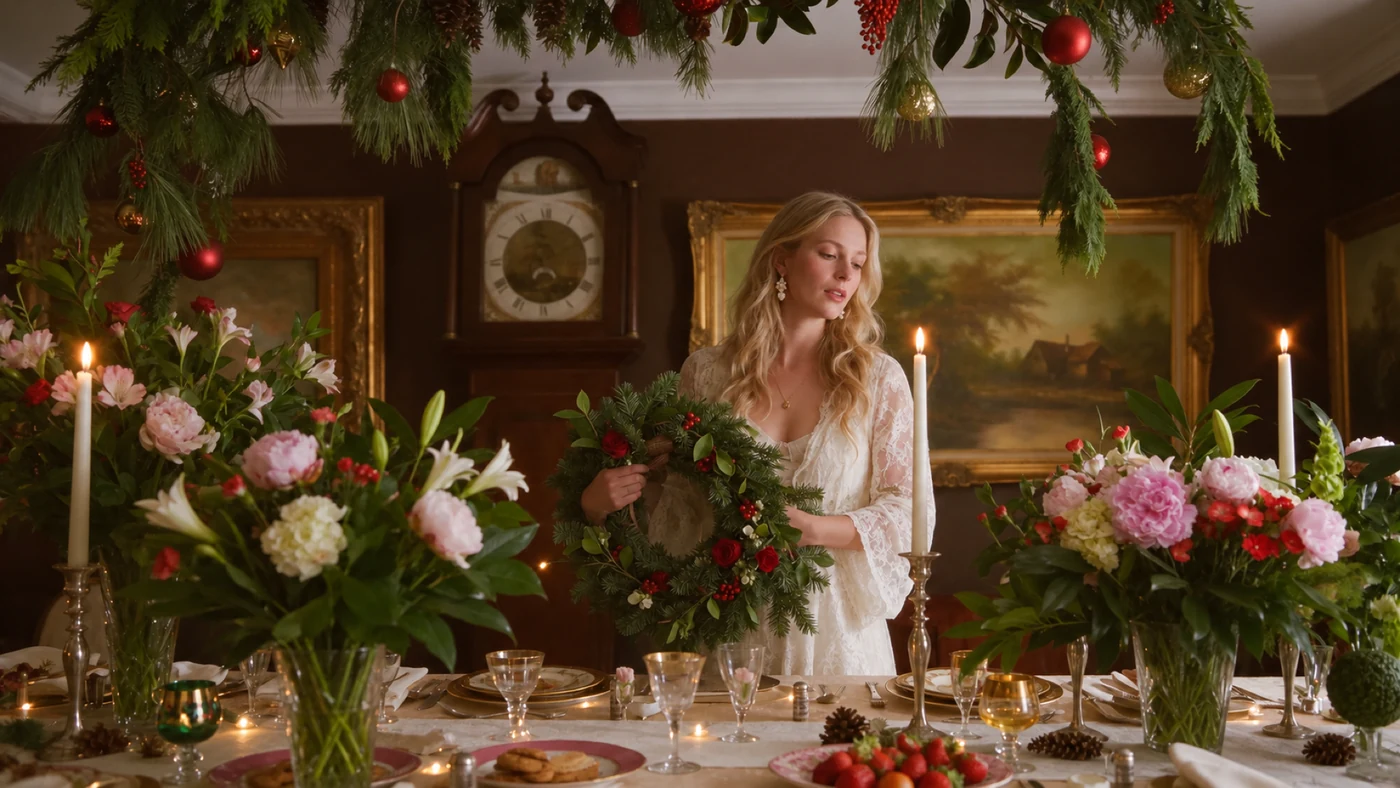
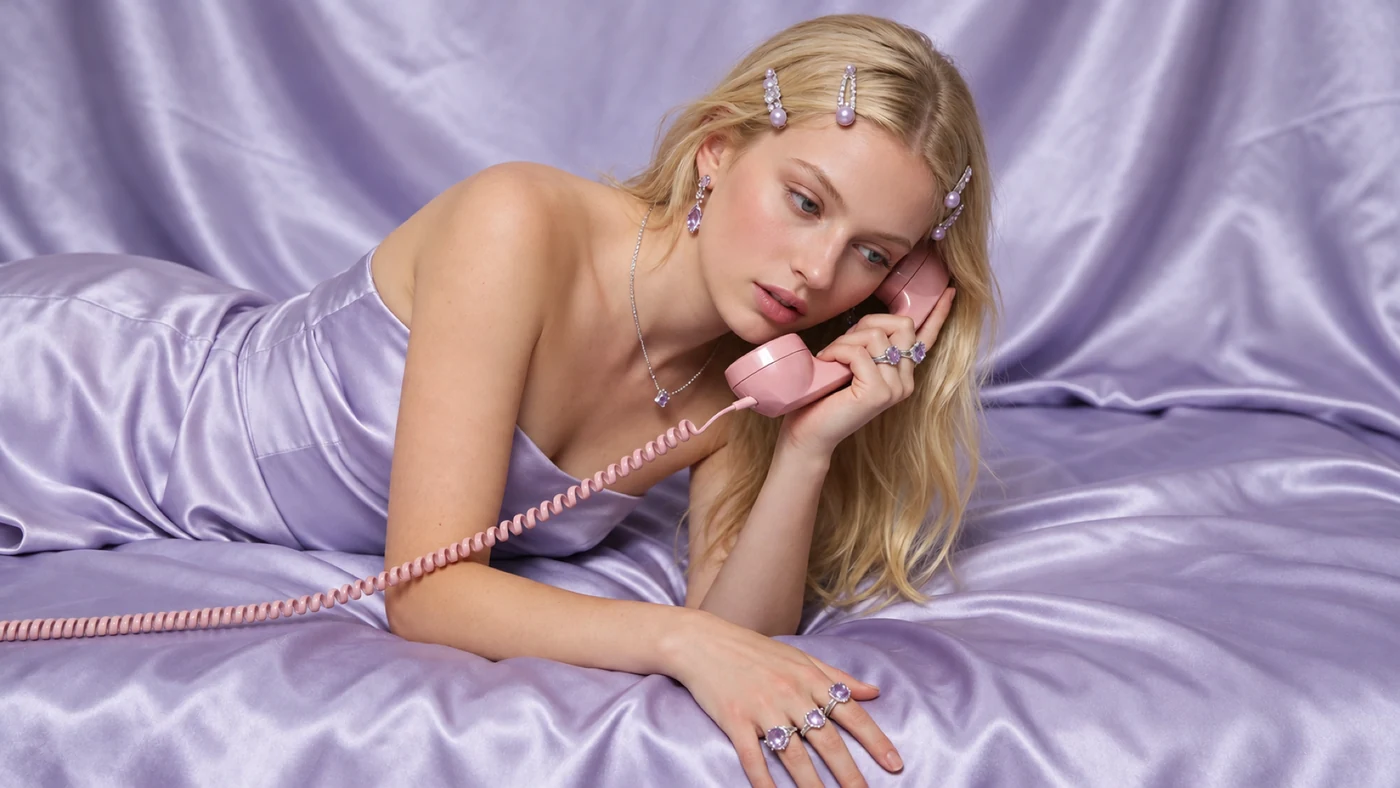

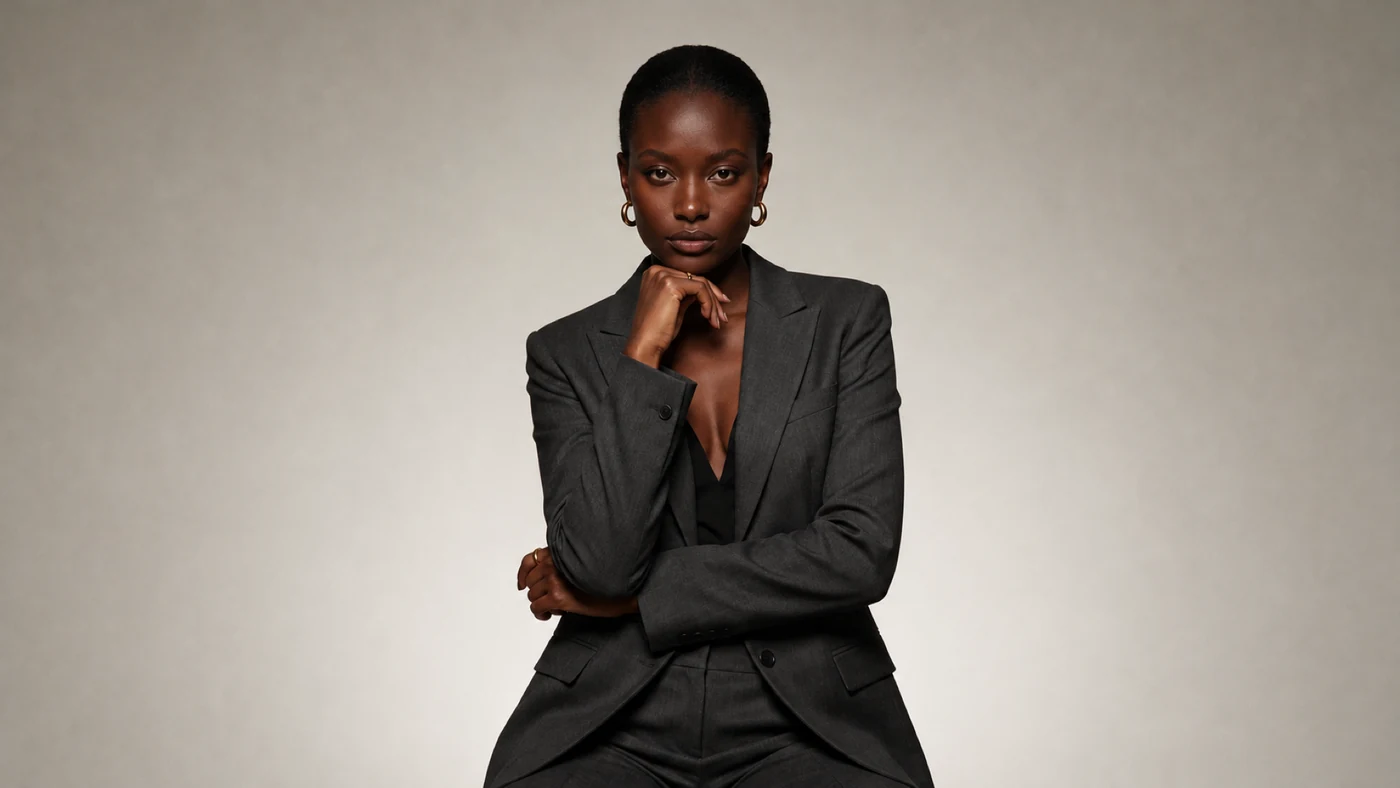
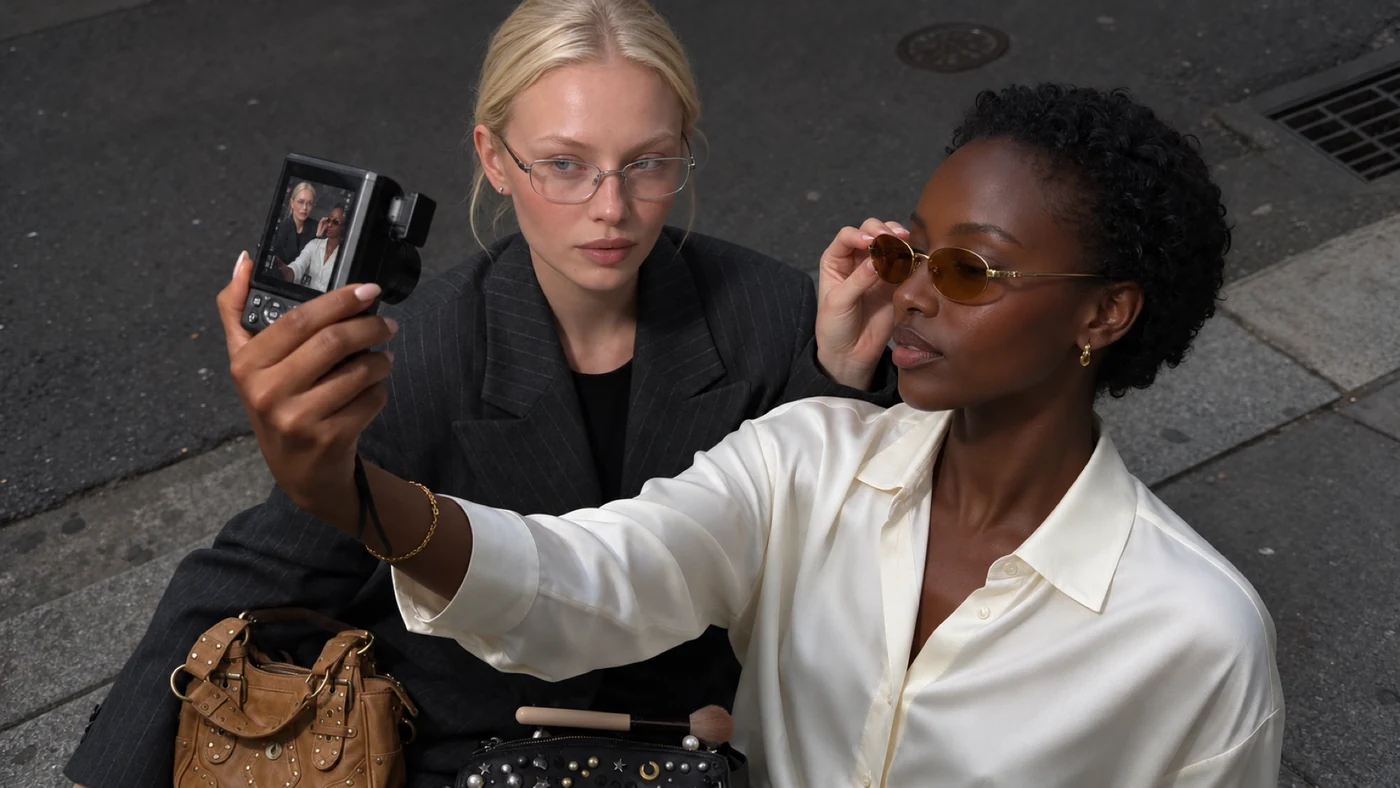
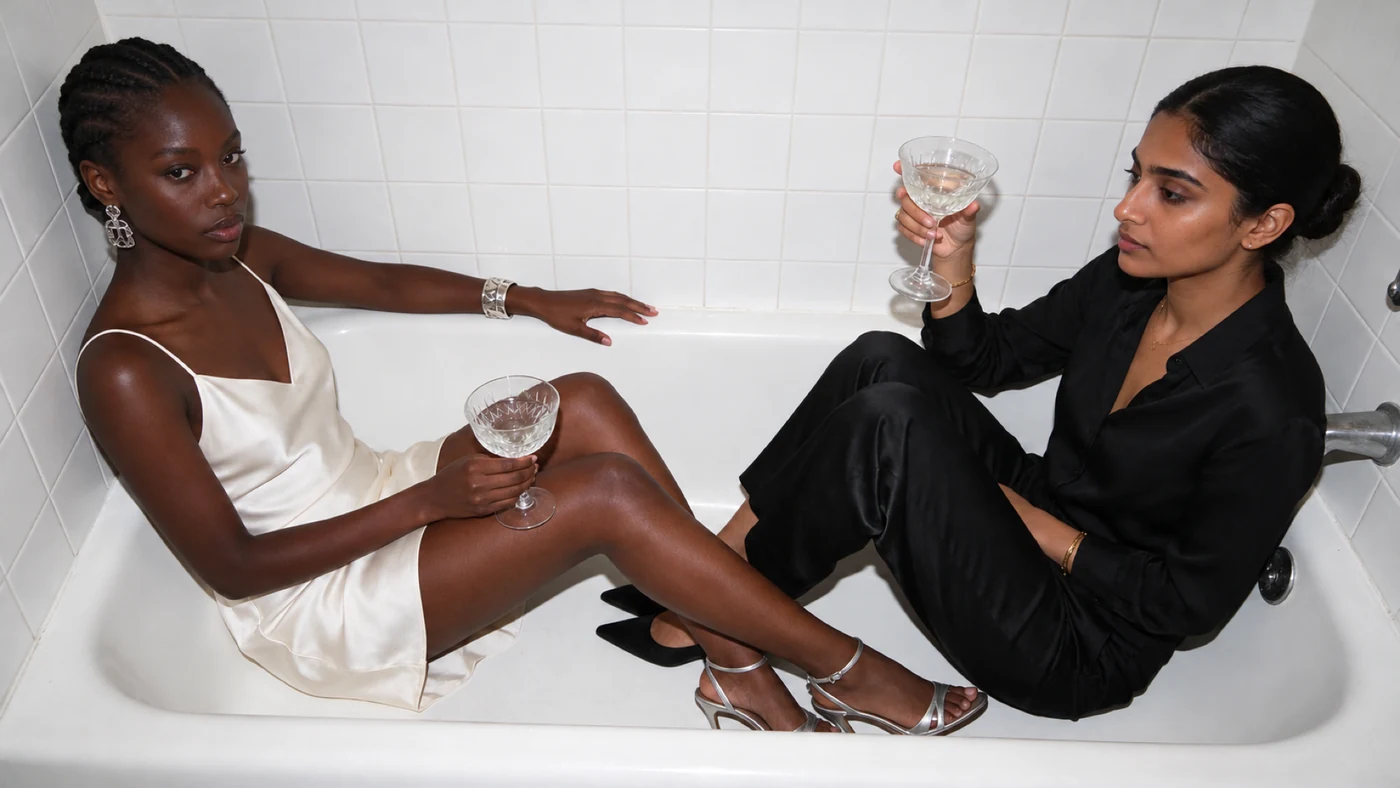
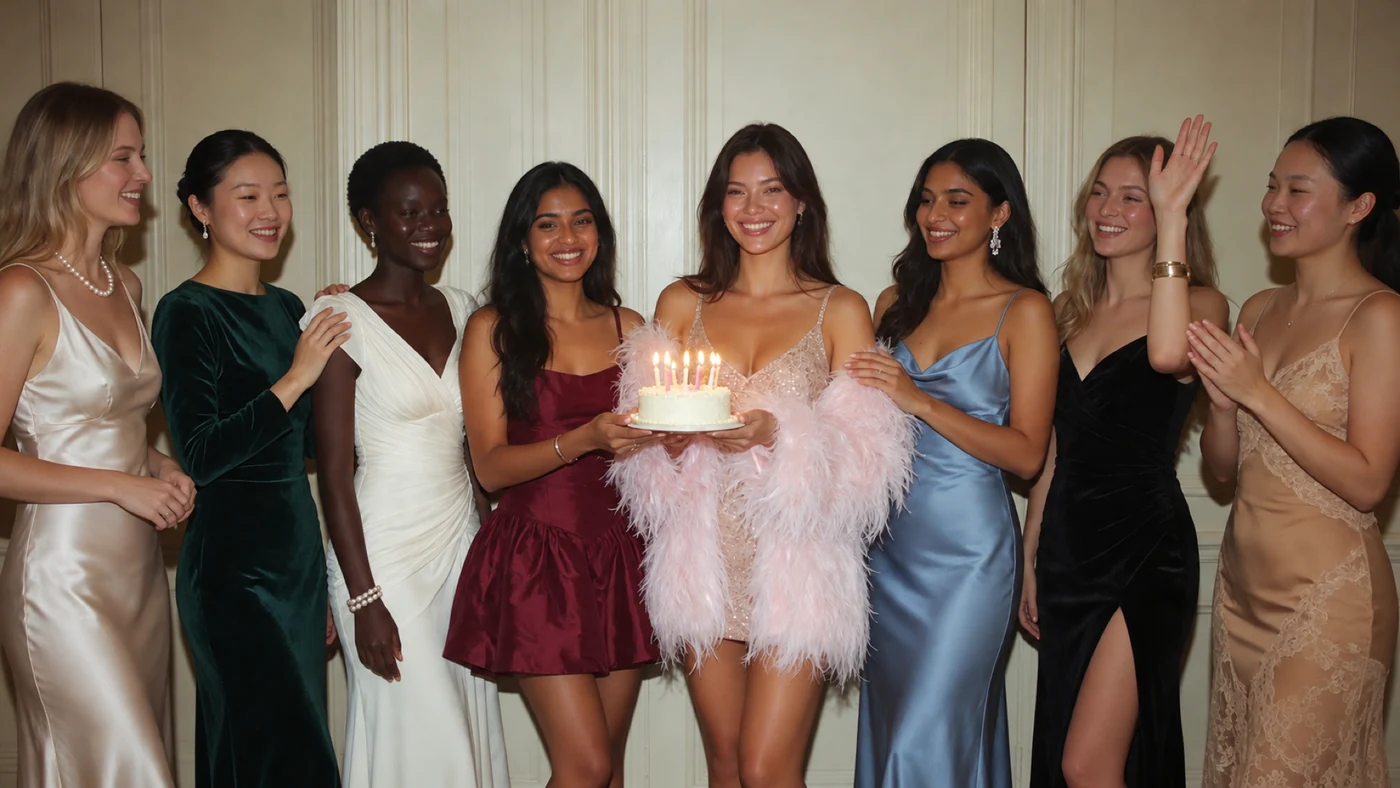
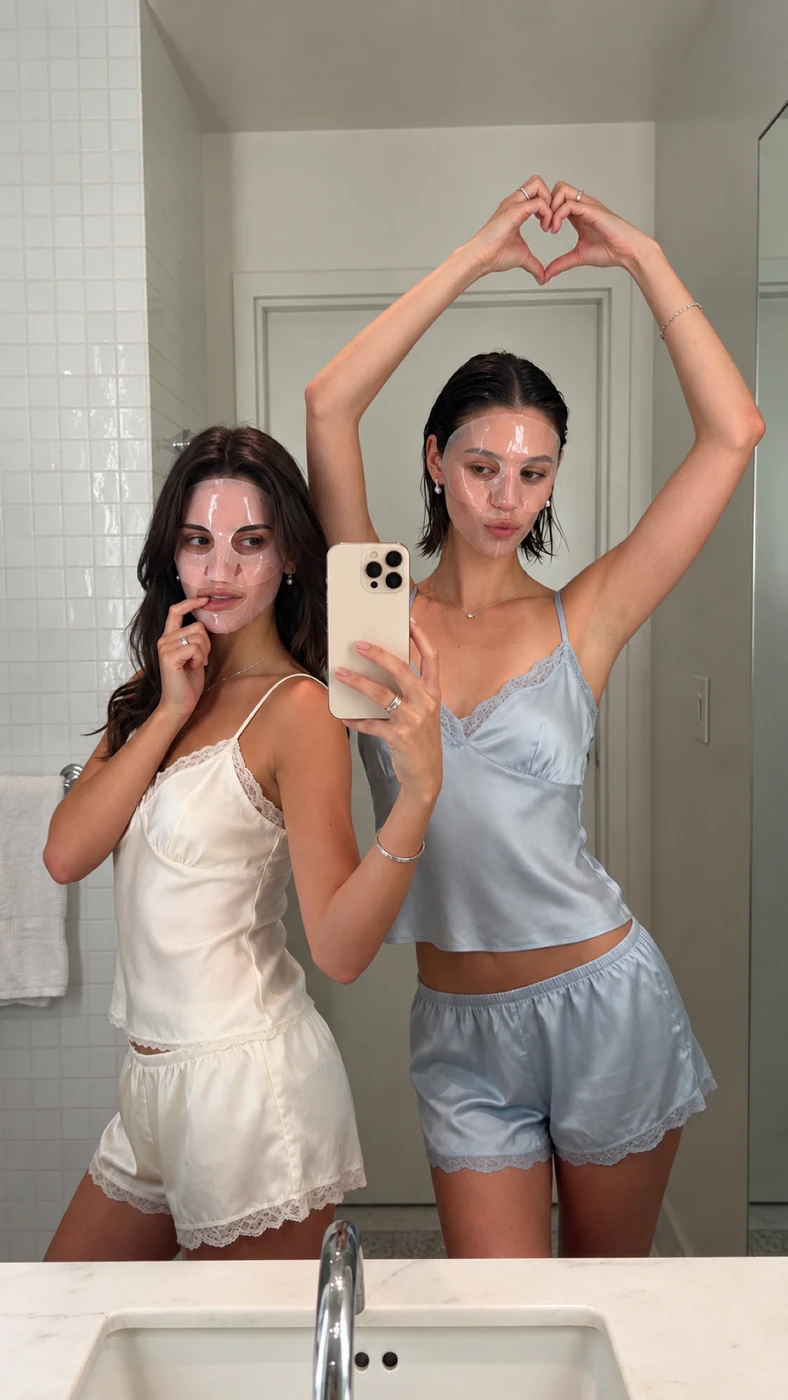
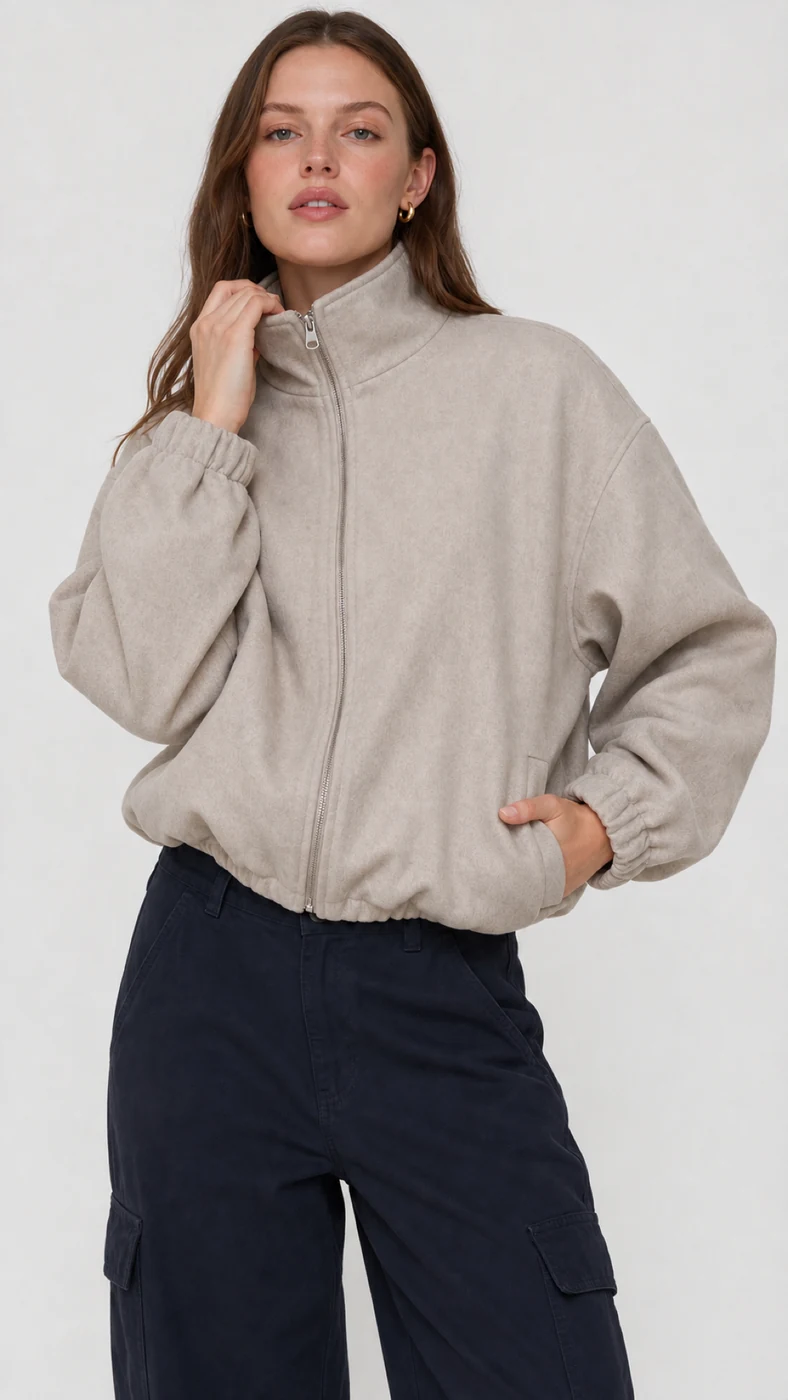

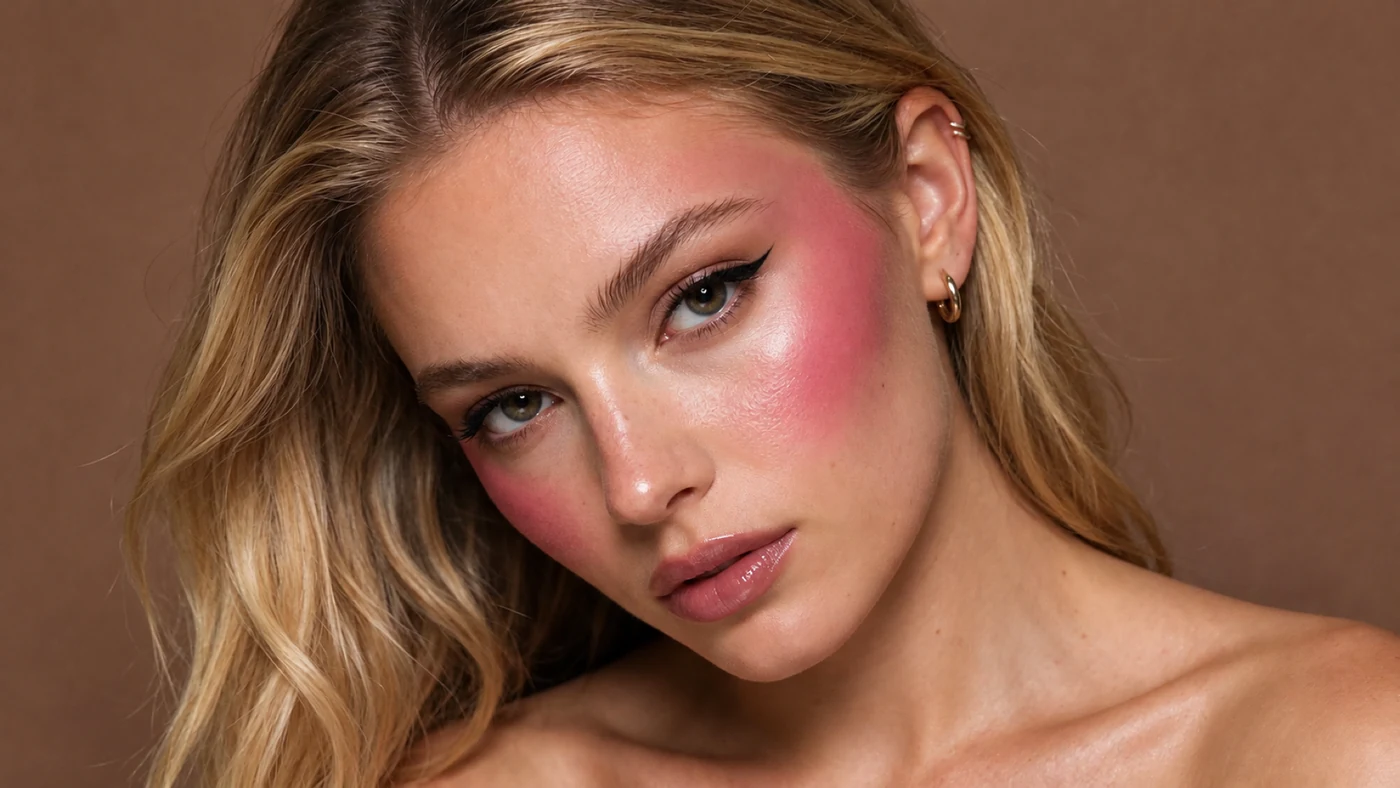
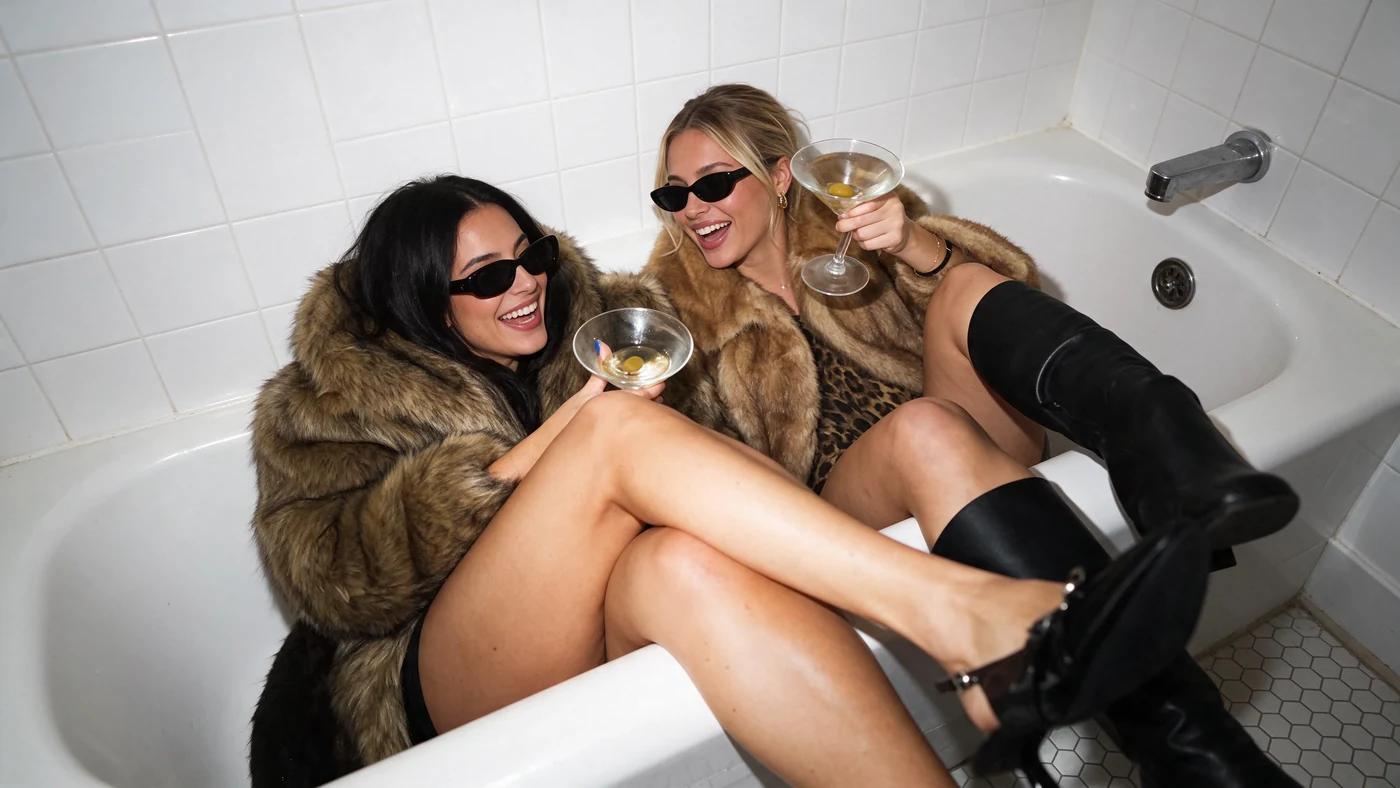
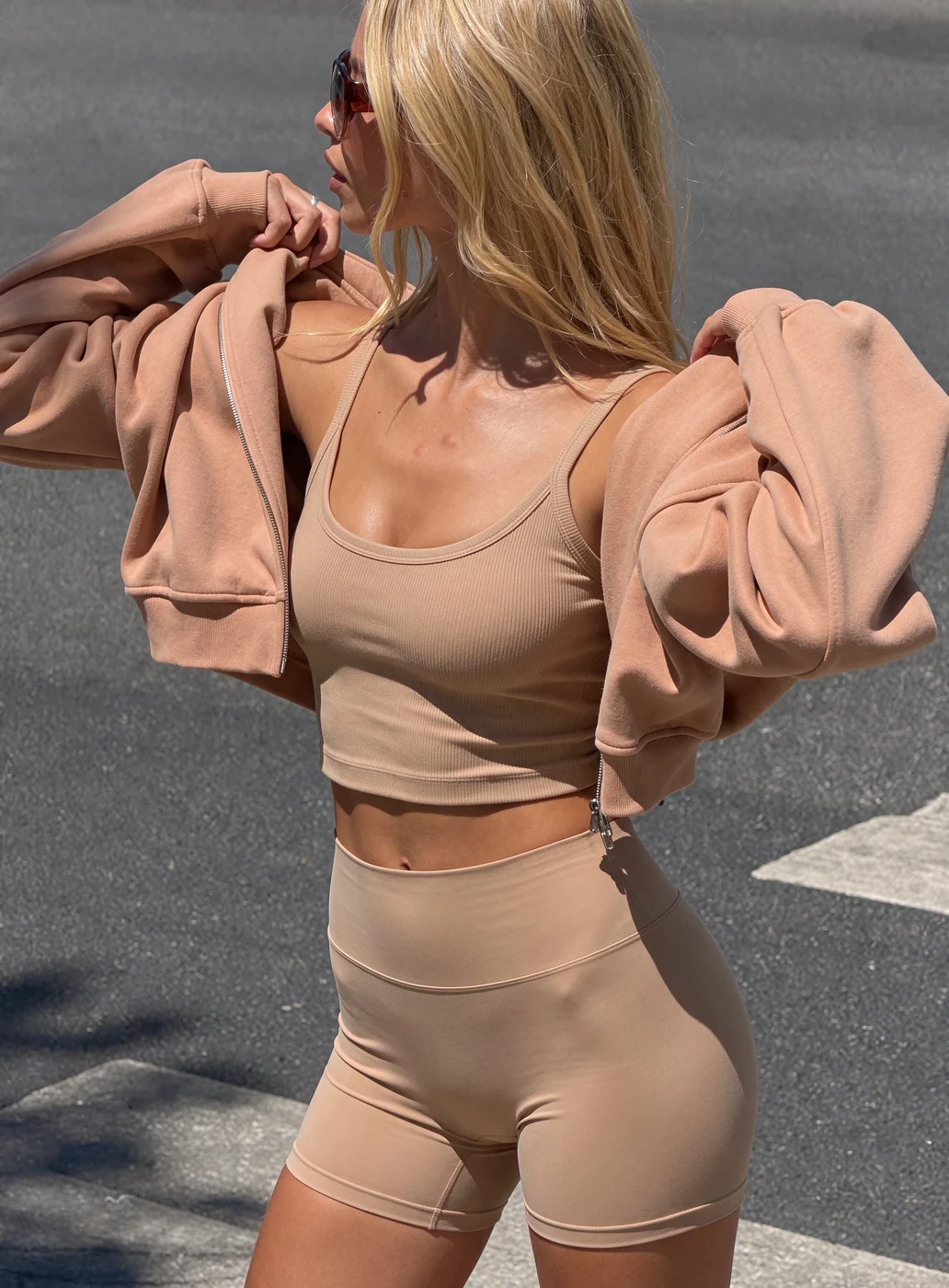
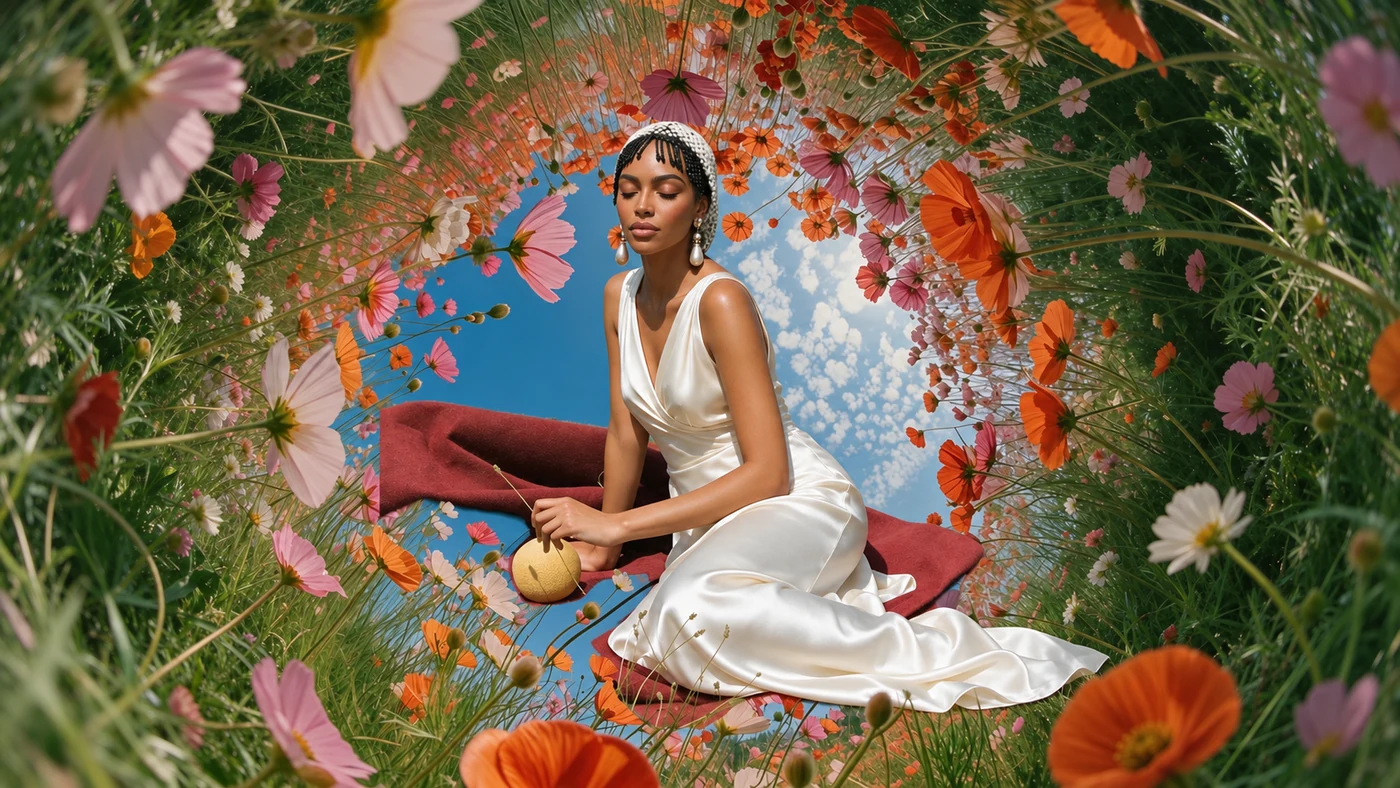

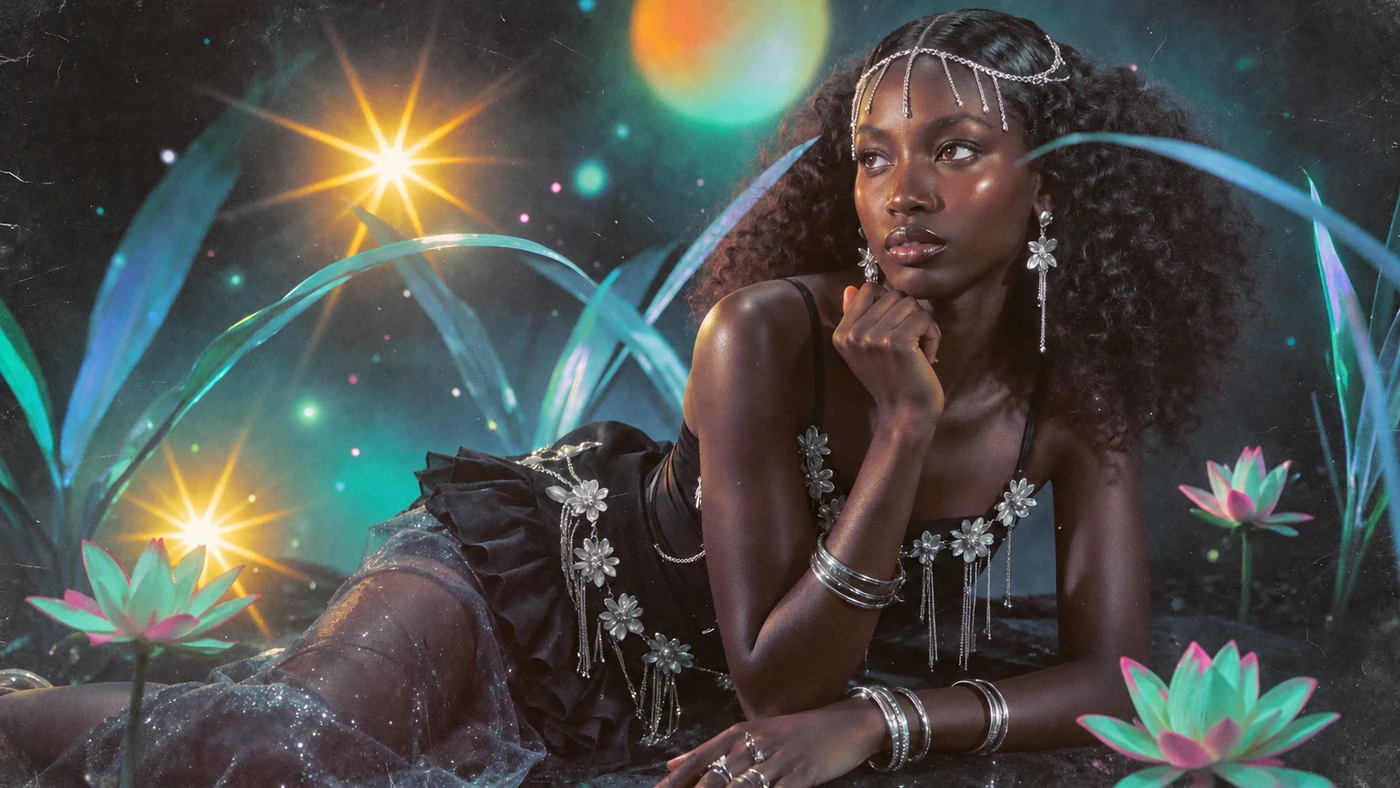
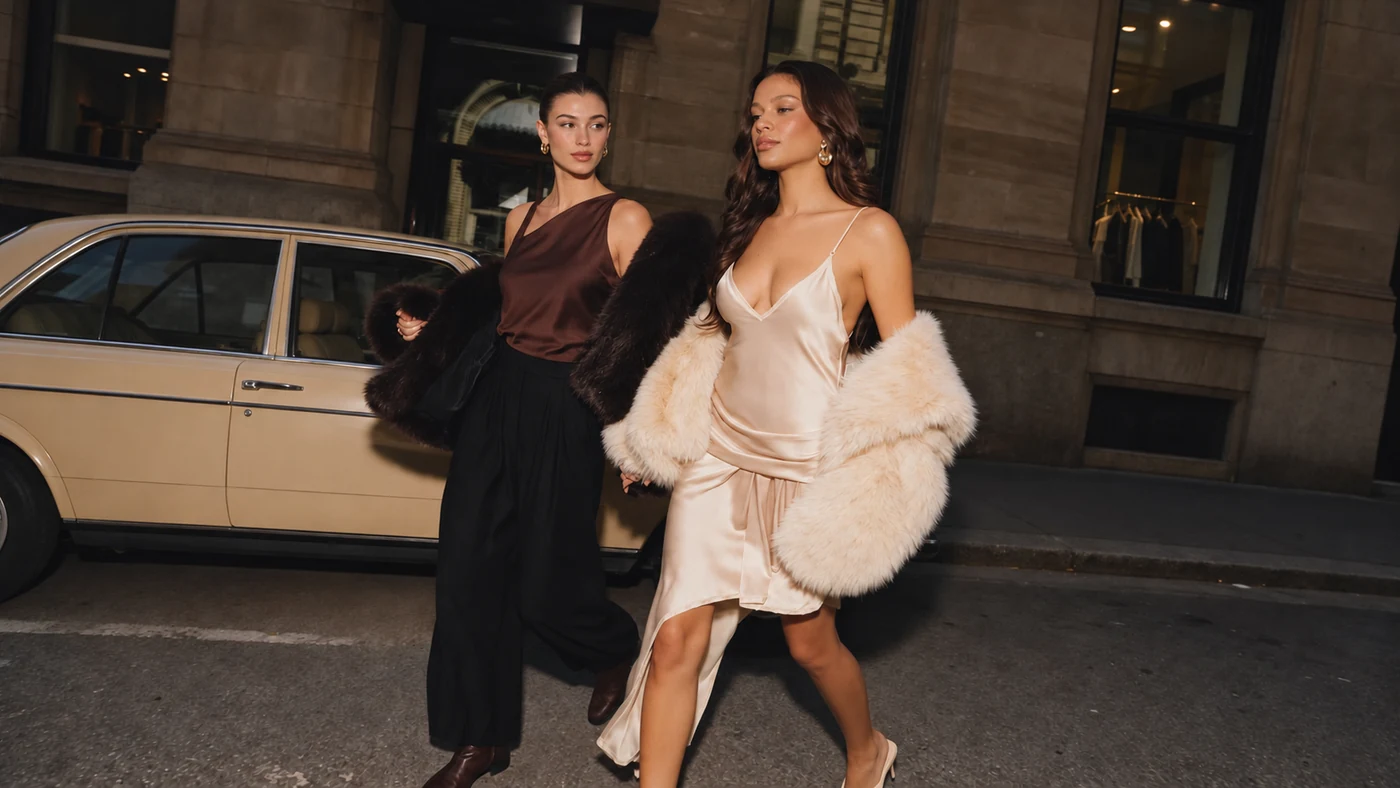
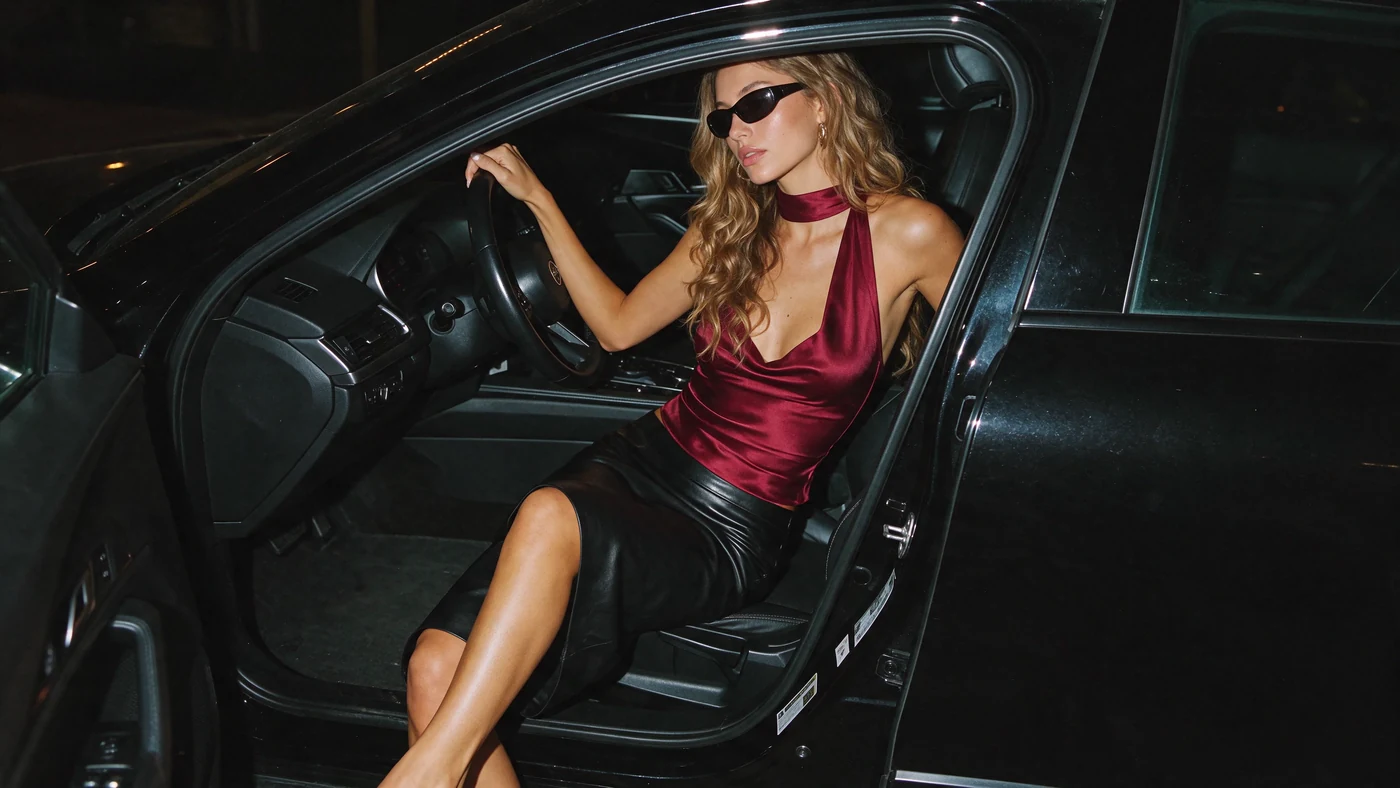
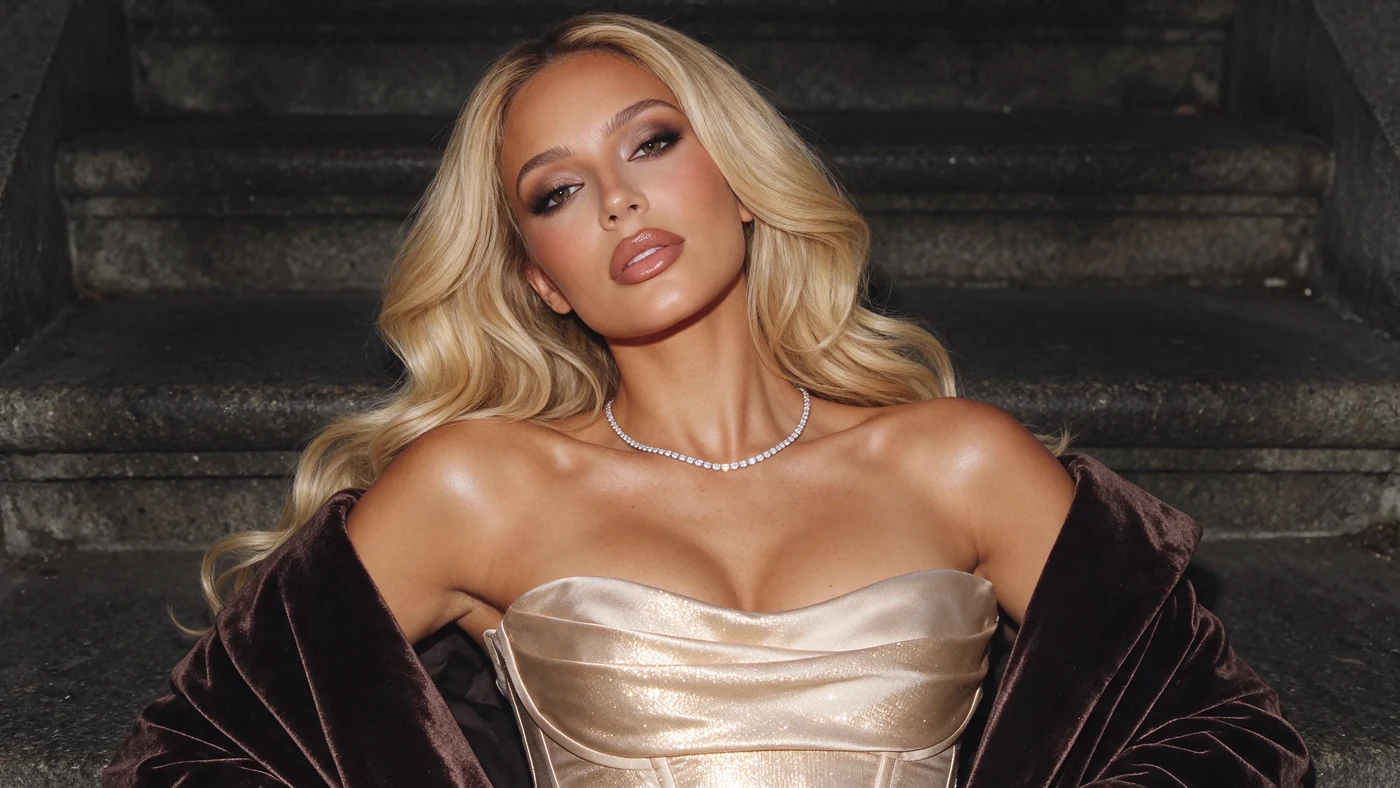
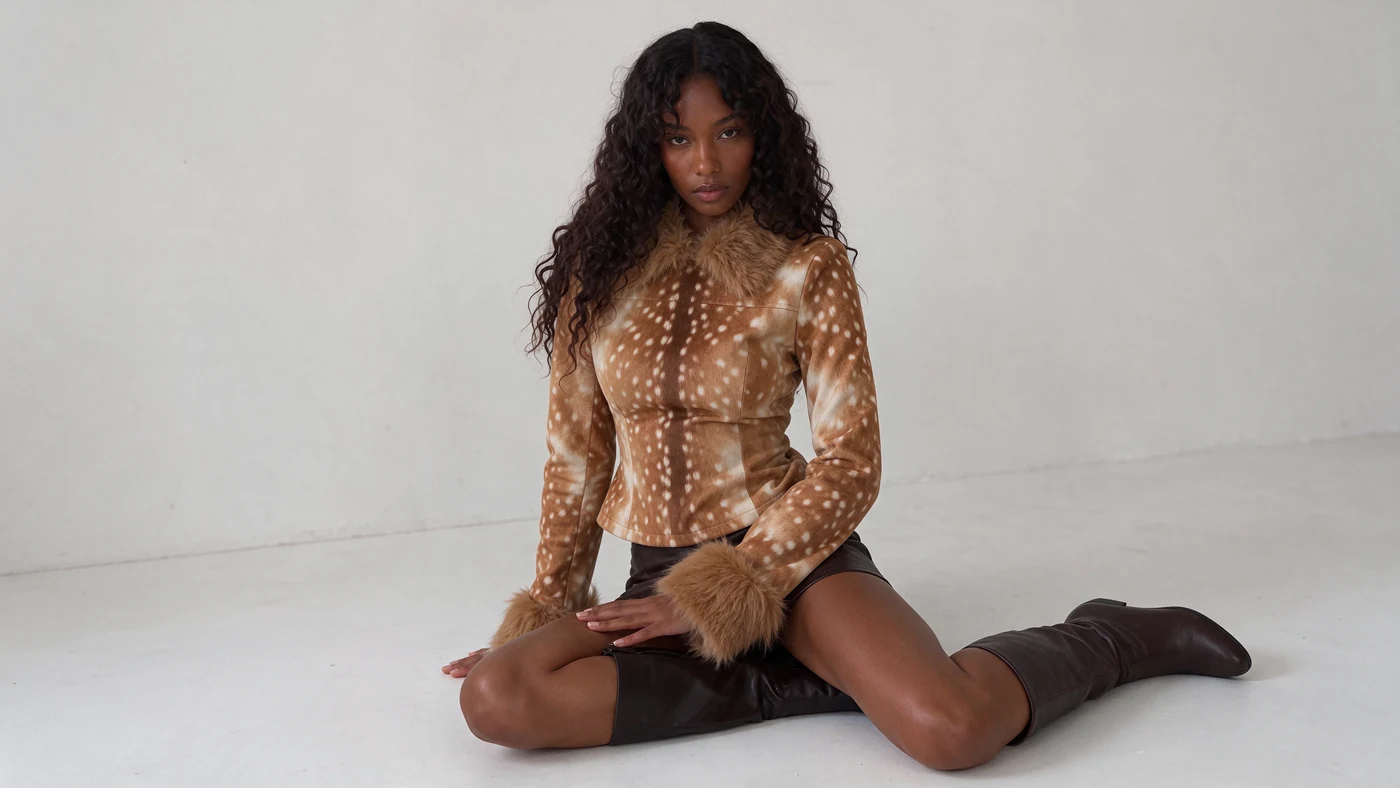
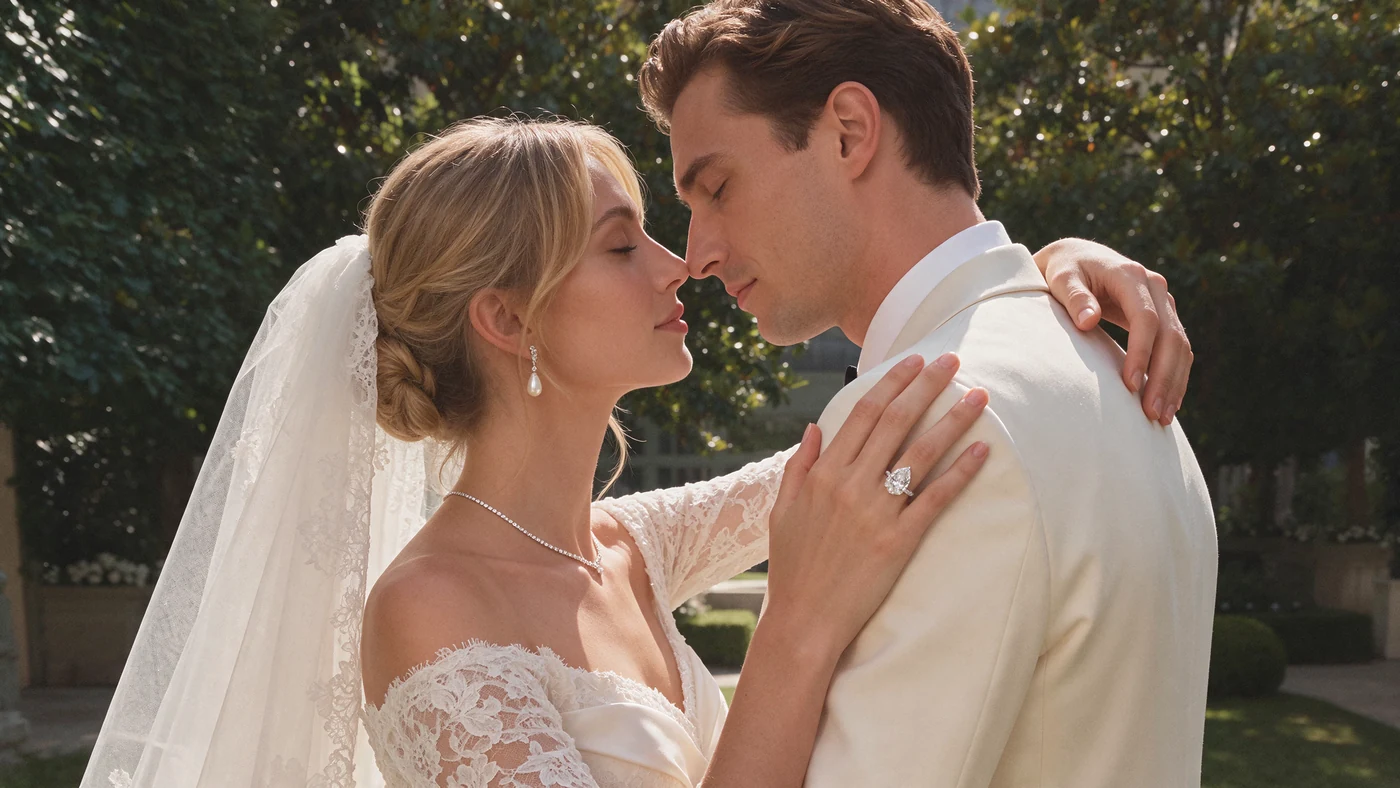
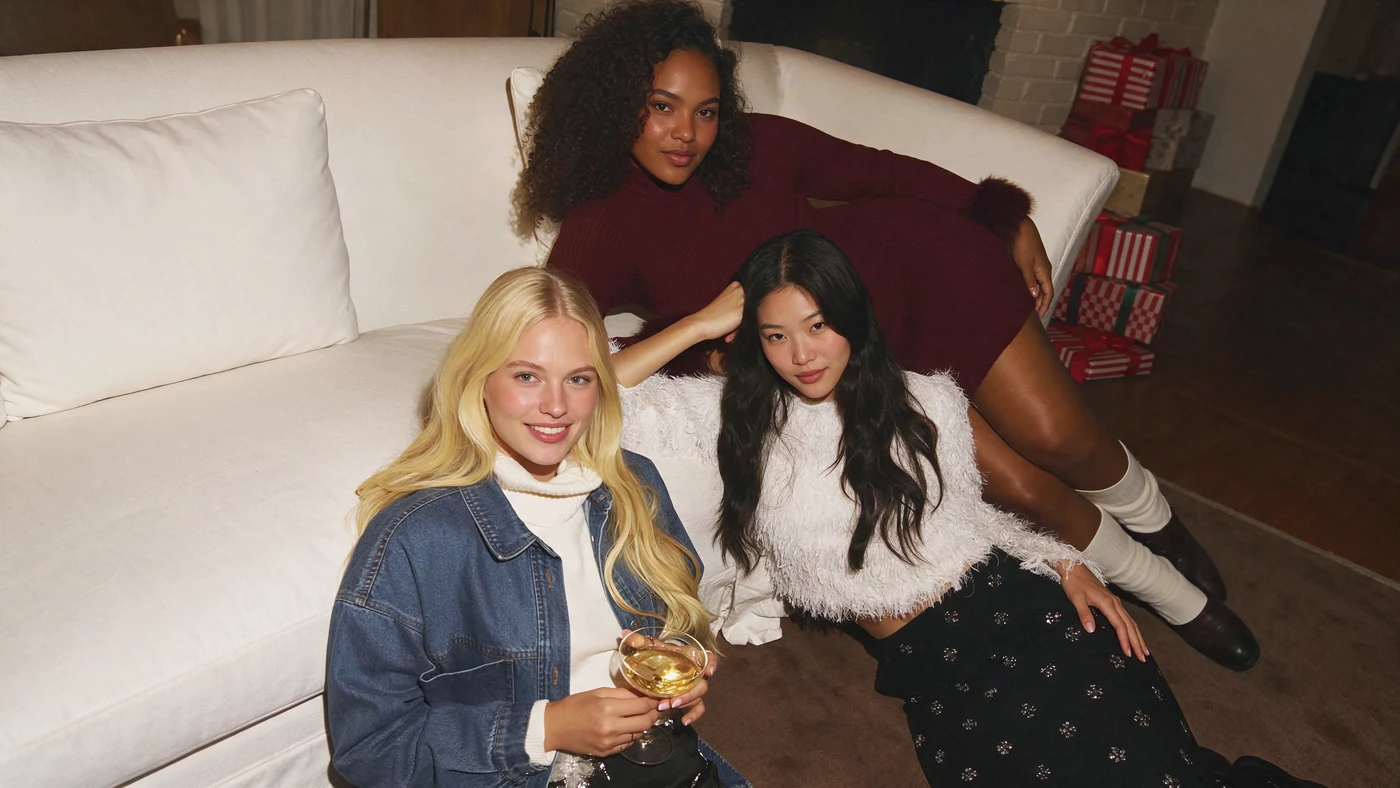
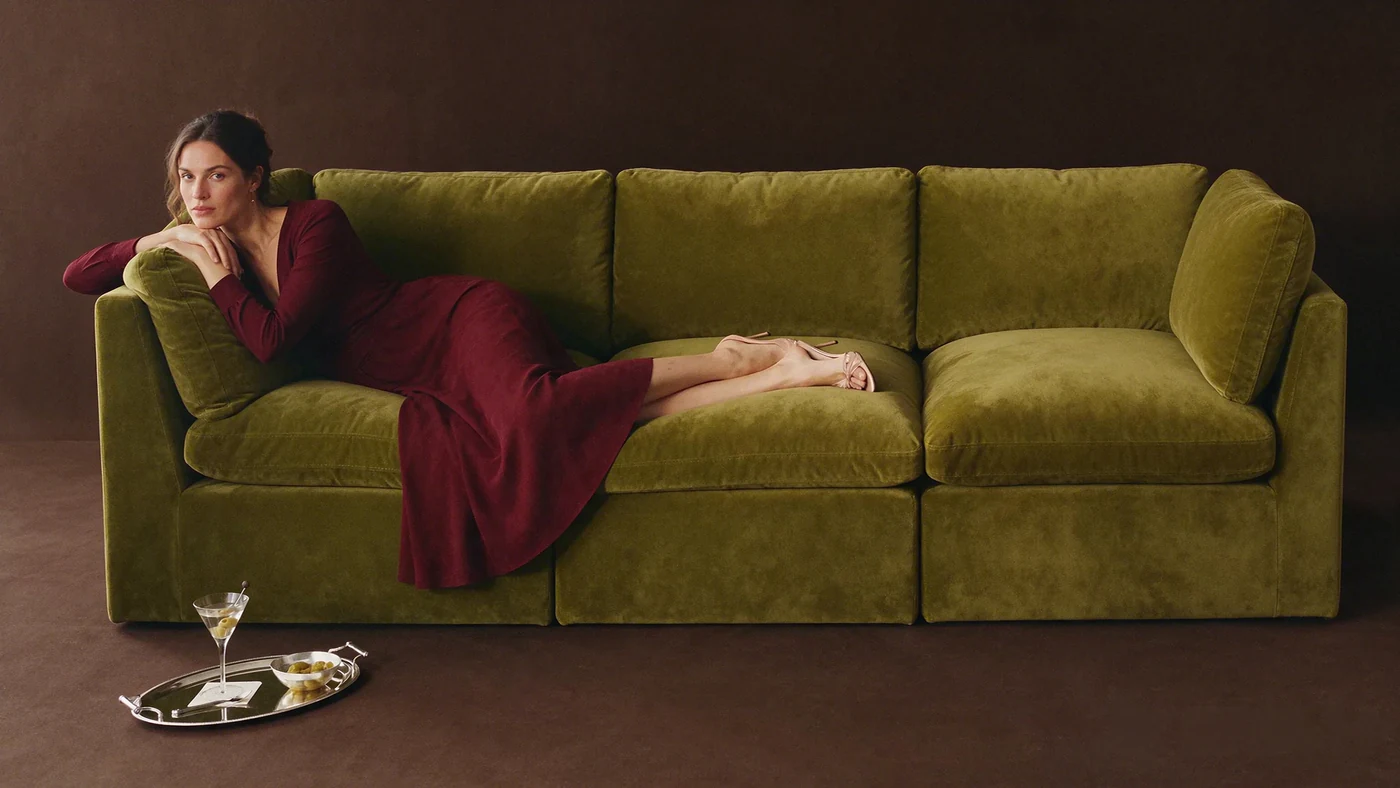
What can you make with Kling Image 4.0?
Start with a brief for a new image, a photo with details you want to preserve, or a list of sections for a long design. Use the examples below to see what each mode produces and how to write your first prompt.
- Text to image
Describe a new image in words. For a poster, specify the exact wording and where it goes. Choose 2K to explore the layout before rendering a keeper at 4K or 8K.
Look at how the headline and smaller lines form distinct blocks. Check the smallest text against your original wording before you share a design. Choose a resolution and check your letteringRead a starter prompt
Make a 3:4 screen-print poster for an evening ceramics market. Place the title “Clay After Dark” in large orange type across the top. Center an off-white vase with a deep blue shadow. Set “Friday · 6–9 PM” in one line at the bottom. Use a navy background with wide margins and keep the remaining space free of text.
- Image to image
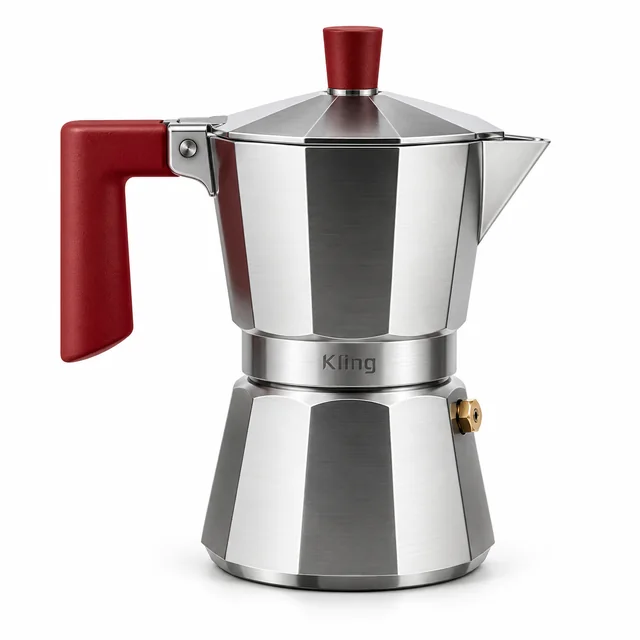
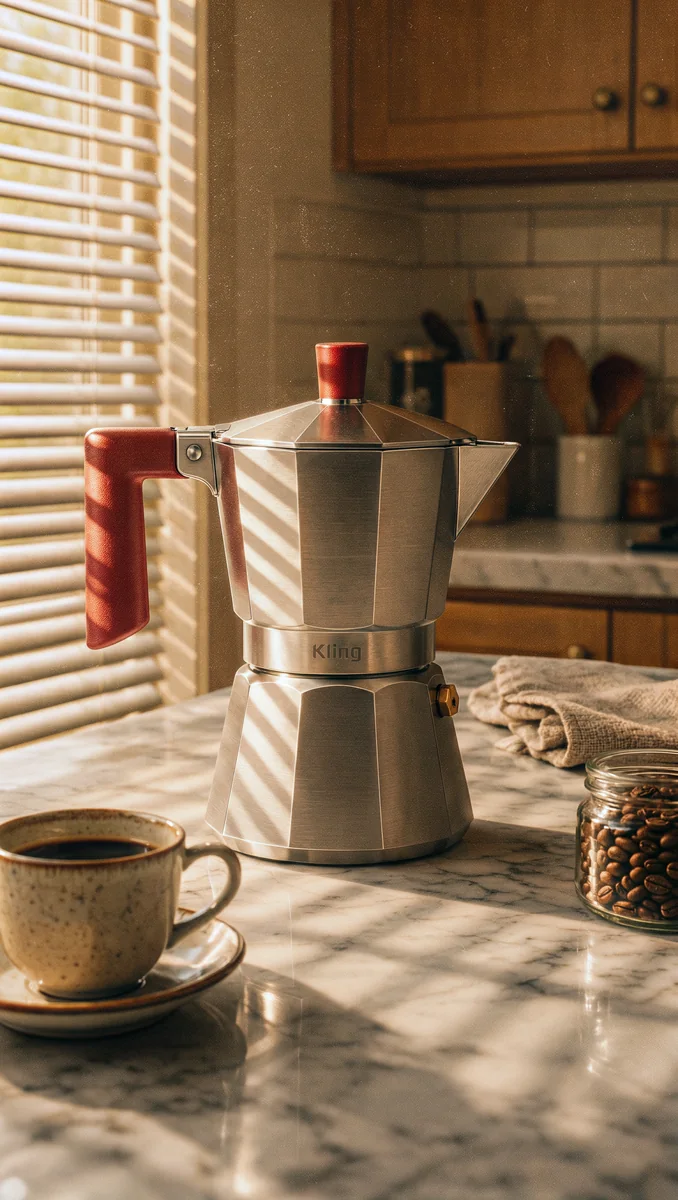
Start with a reference image when a product or subject needs to stay recognizable. Use @ to point to the photo in your prompt. State which details to keep and which parts to change.
Compare the silhouette and handle in the two images. Check proportions and small brand details first when the output needs to represent a real item. Build a prompt around your referencesRead a starter prompt
Use @Image1 as the product reference. Keep the moka pot’s body, handle, lid and finish. Put it on a pale stone counter near a window, with soft daylight from the left. Give it enough space for a square crop. Change the setting and lighting only.
- Long image
Write the page sections in order. Webpage can use optional style and subject photos. Ecommerce uses 1–3 product photos and offers short, medium or long layouts. Download the result as one tall image.
Open the full image to follow the design from the hero through the detail sections. Take that order into your site editor when you build the actual page. Turn a long image into a page design briefRead a starter prompt
Design a tall product graphic for this olive-green desk lamp. Start with a hero photo and the heading “Fern Desk Lamp”. Follow with a close-up of the adjustable arm, then a wide shot on a small desk. End with three separate text areas for dimensions, materials and care. Leave those areas empty for verified product details.

Example images from Kling AI.
How to use Kling Image 4.0
Choose a generation mode
Start from text, work from reference images, or choose Long image for a tall webpage or product visual. For Long image, select Webpage or Ecommerce under Design type before adding references.
Describe the image you want
State what each reference contributes and choose the crop. For a series, describe the details every frame should share, then list the shots in order. For a long layout, give each section one job.
Check the settings and generate
Set the resolution and any options for your mode. Sign in to review the credit quote before generating. Preview the result, then download it or reopen it from My assets.
Choose your next edit.
Compose a scene, change a pose, bring someone into a picture, or give a moment a punchline.
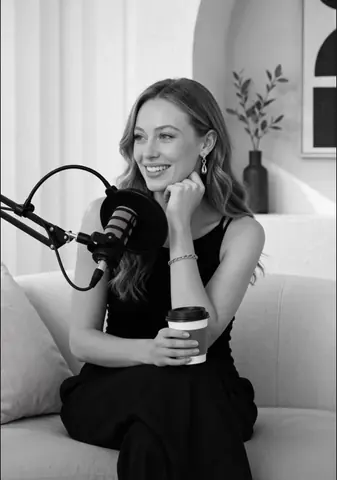
Combine images
Bring people, places, and ideas from separate photos into one composition.
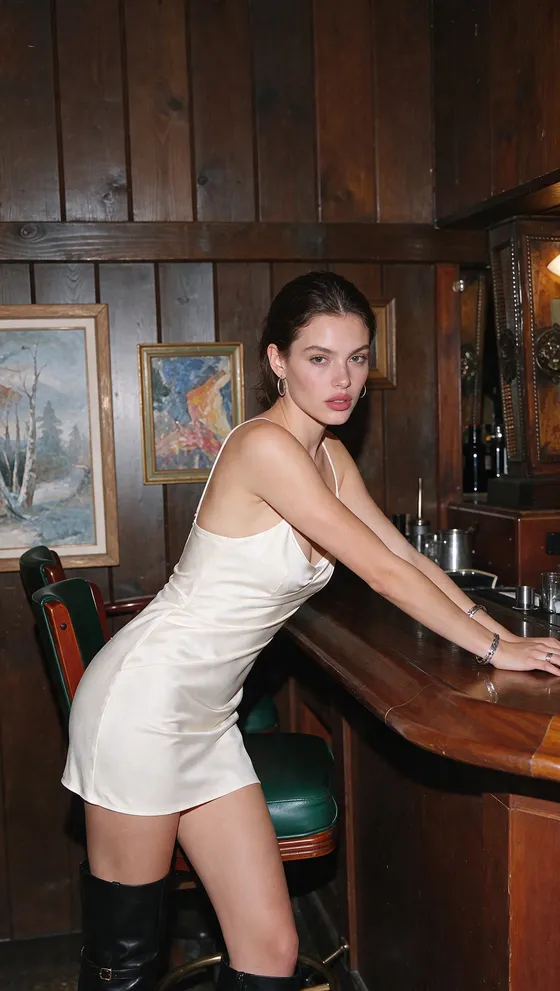
Change a pose
Start with your original photo and use a pose reference or written direction to create an edited portrait.
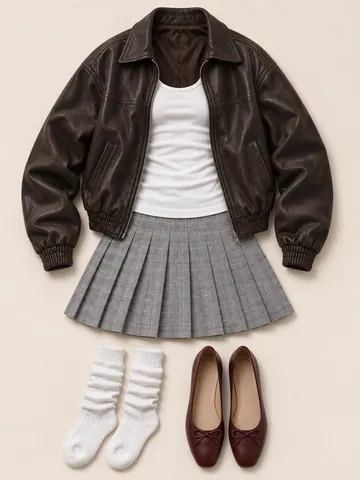
Change an outfit
Try different clothes in an existing photo using a reference or written description.

Add a person
Place someone into a background photo or a setting you describe, with optional placement directions.
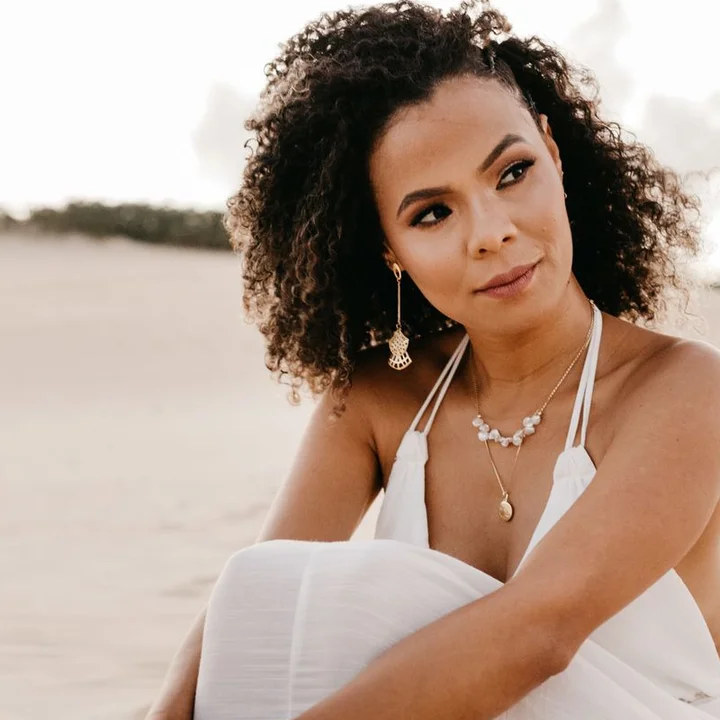
Fix pixelation
Reduce pixelation in portraits, landscapes, and other photos.

Make a GIF meme
Make a GIF from a clip, a written idea, or a photo. Add captions, control the motion, and choose OpenAI or Grok for a new animation.

Create image
Create an image from a prompt or edit your own references.
Kling Image 4.0 questions, answered.
Kling Image V4 is also called Kling Image 4.0. Use this image model to create standalone pictures, connected image sets, or one tall visual for a page concept.
What is the difference between independent images and an image series?
Generate up to nine independent images to explore different takes on a prompt. Choose a series to plan 2–10 related images in order, such as storyboard frames or product campaign shots. You can set the length or let the model choose it with Auto.
Which Kling Image 4.0 modes support 8K?
Text to image and Image to image offer 2K, 4K, and 8K. Set the aspect ratio for the final crop, or choose Auto to let the model pick it. Start at 2K to check framing and wording. Long image offers 1K and 2K.
What can I add as a reference in Image to image?
Start with at least one reference image. You can also group pictures of the same subject as an Element using a front view and one to three other angles. Each group counts as one Element. A request can use up to seven Elements and ten references and Elements combined.
Which reference image files can I upload?
Upload PNG, JPEG, or WebP images. Each image must be at least 300 pixels wide and 300 pixels tall, with a width-to-height ratio between 0.40 and 2.50. Uploads can be up to 20 MiB each, with up to 35 MB of references per generation.
What does the Kling Long image mode export?
It returns one downloadable image for a website mockup or ecommerce product graphic. To turn the design into a live page, rebuild the text, links, and controls in your site editor.
How many credits does Kling Image 4.0 use?
Review the quote in the editor after choosing your mode and output settings. An Auto series is quoted and charged at the ten-image limit. The model chooses the final number of images.
Can Kling Image 4.0 put text on a poster?
Yes. Put the exact words in quotation marks and specify the position and relative size of each line. Short headlines are easier to check. Zoom into the result and verify dates, prices, names and small lettering before you publish.
Does Kling Image V4 generate video?
Kling Image V4 generates still images. A series can provide separate storyboard frames. To turn those frames into motion, use a video tool as a separate step.
Create your first image with Kling
Start with a written brief or gather the reference images you want to use.
Open the Kling image editor